

+49%
higher engagement for Instagram carousels than single-image posts
Carousels averaged a 0.55% engagement rate vs 0.37% for single images across 35M posts from 447,613 accounts (2025).
- Carousels0.55%
- Reels0.52%
- Single images0.37%
The AI carousel generator that writes, illustrates and sizes swipeable explainer slides — colourful cartoon scenes, relatable scenarios and minimal text — ready for Instagram, TikTok and LinkedIn in minutes.
toonslides.demo
1/5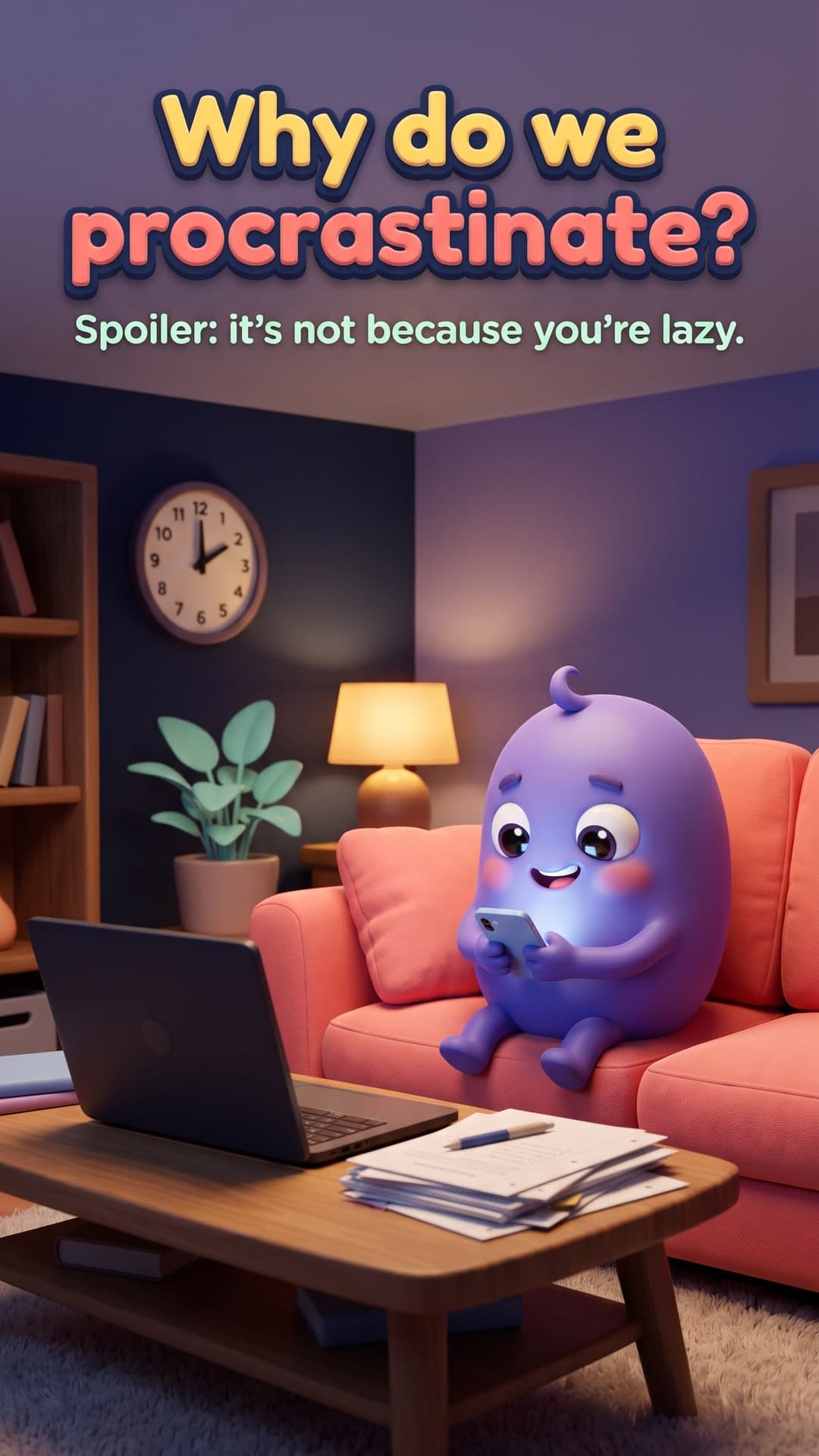
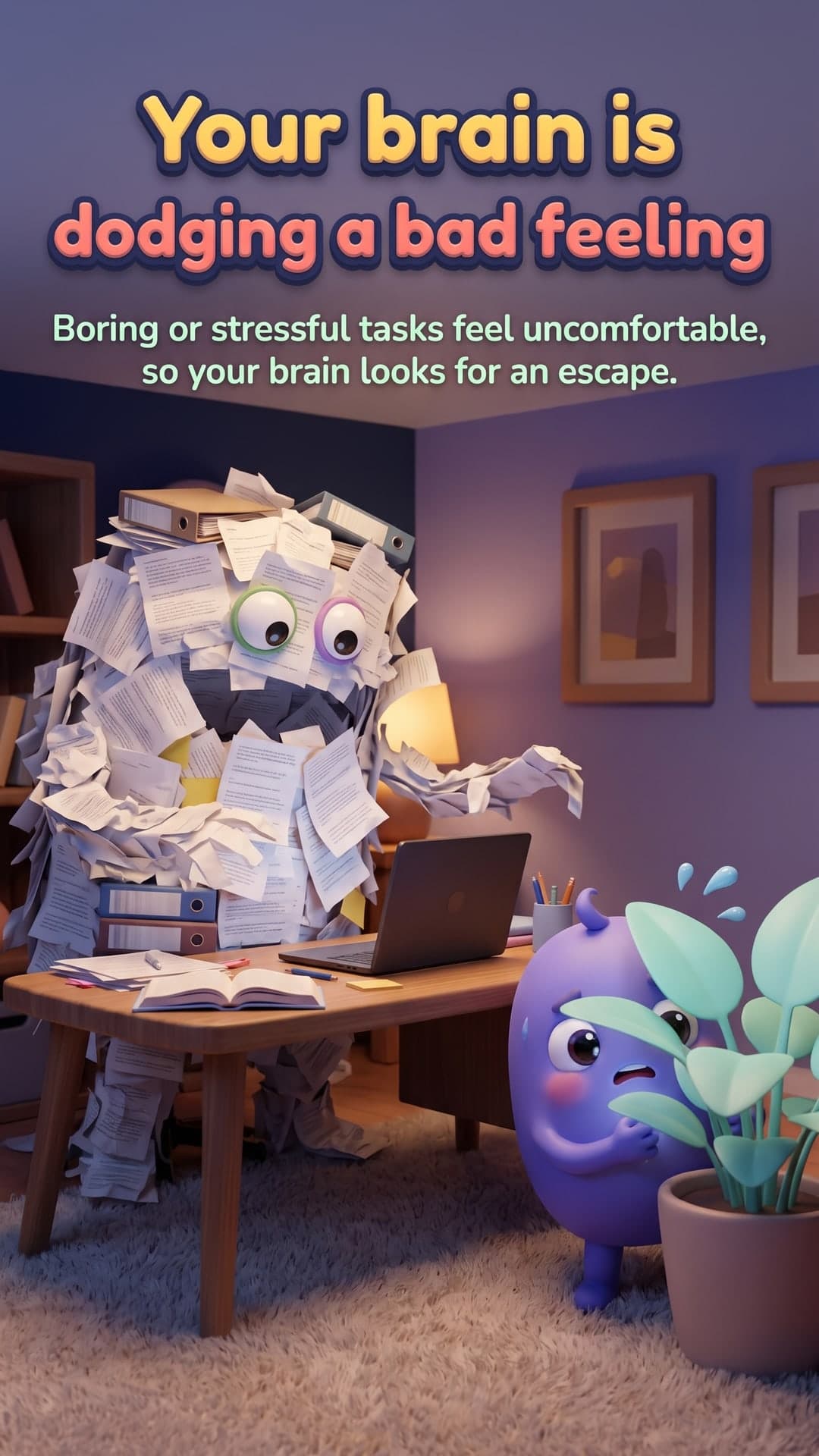
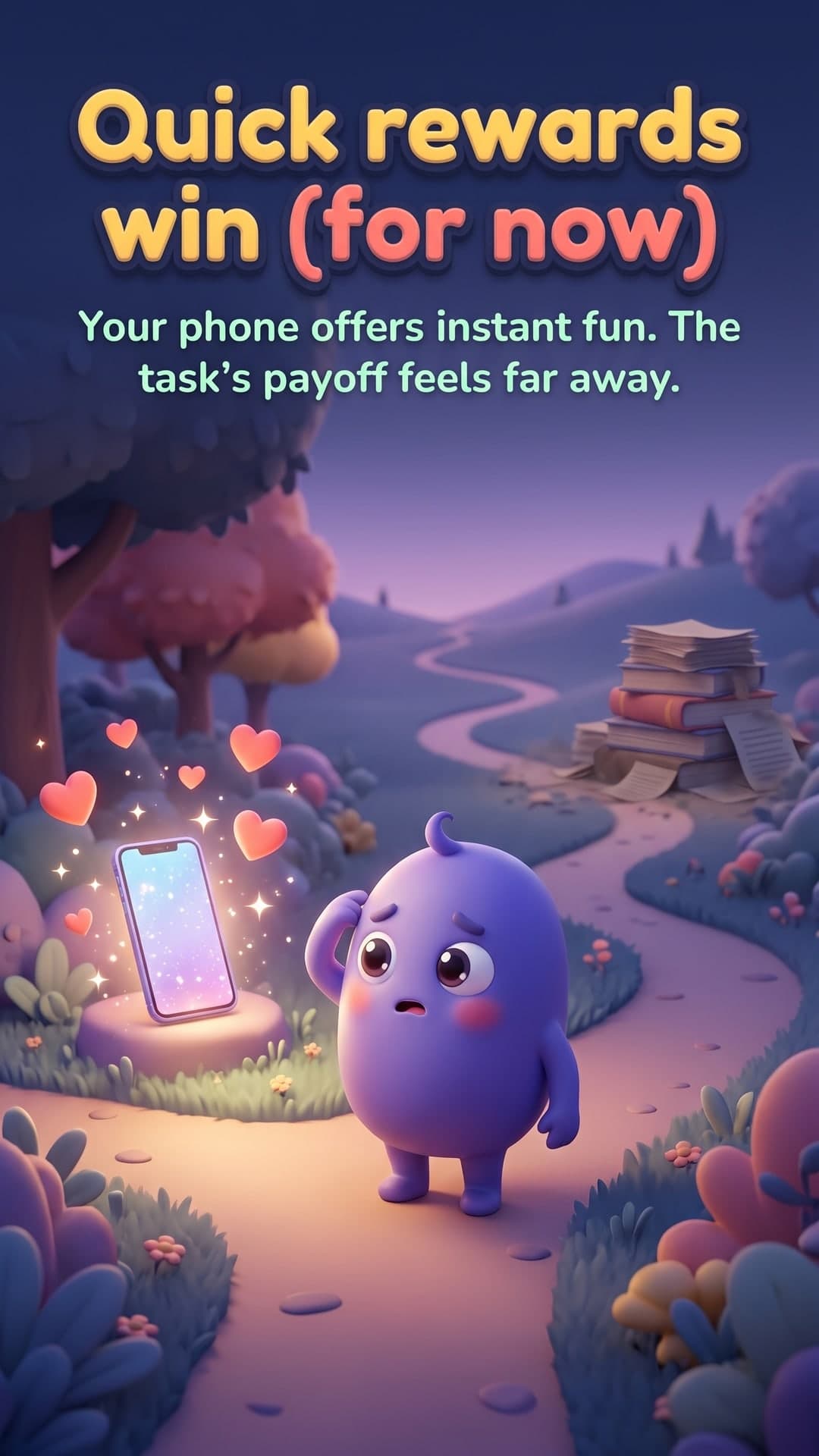
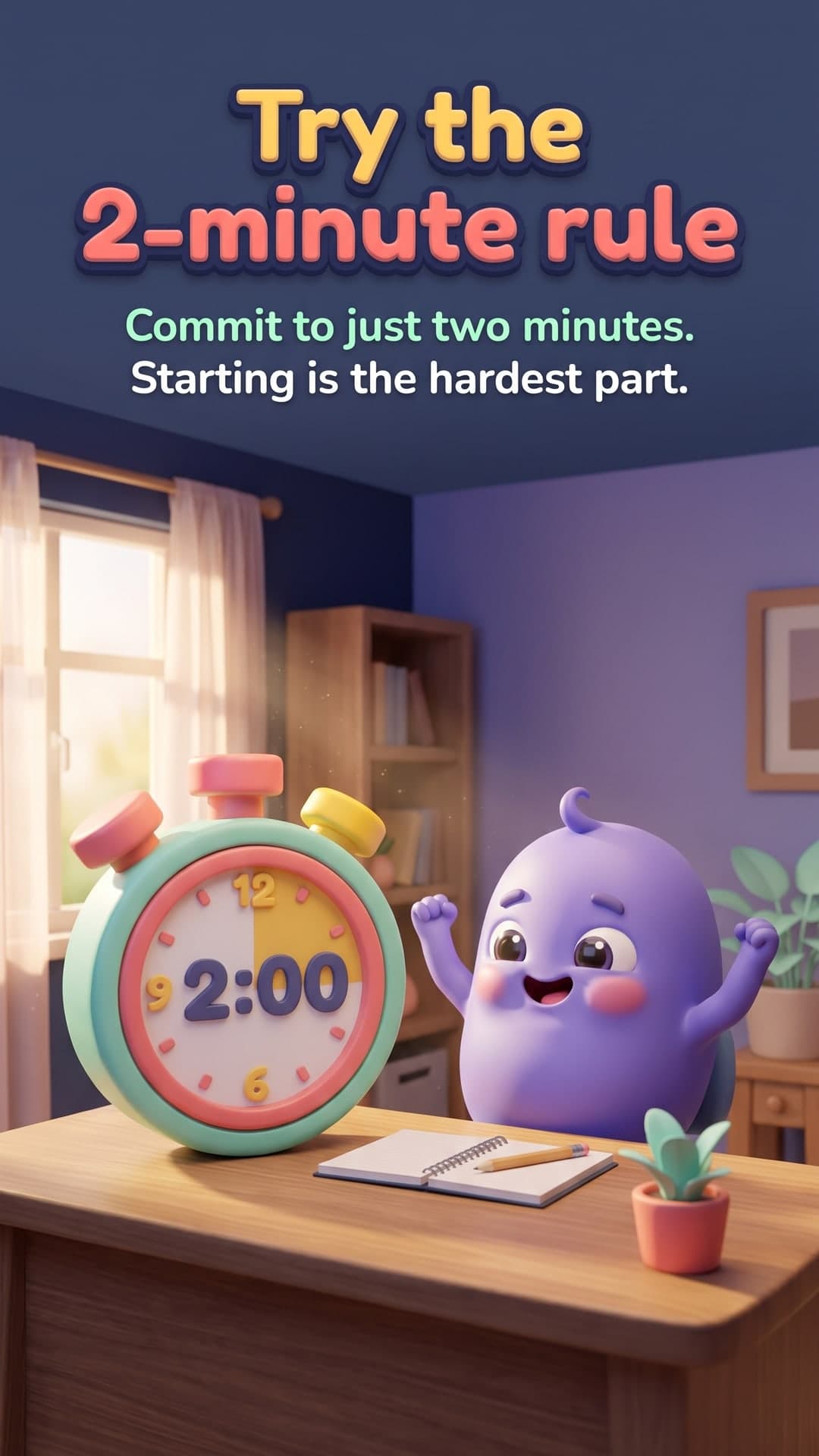
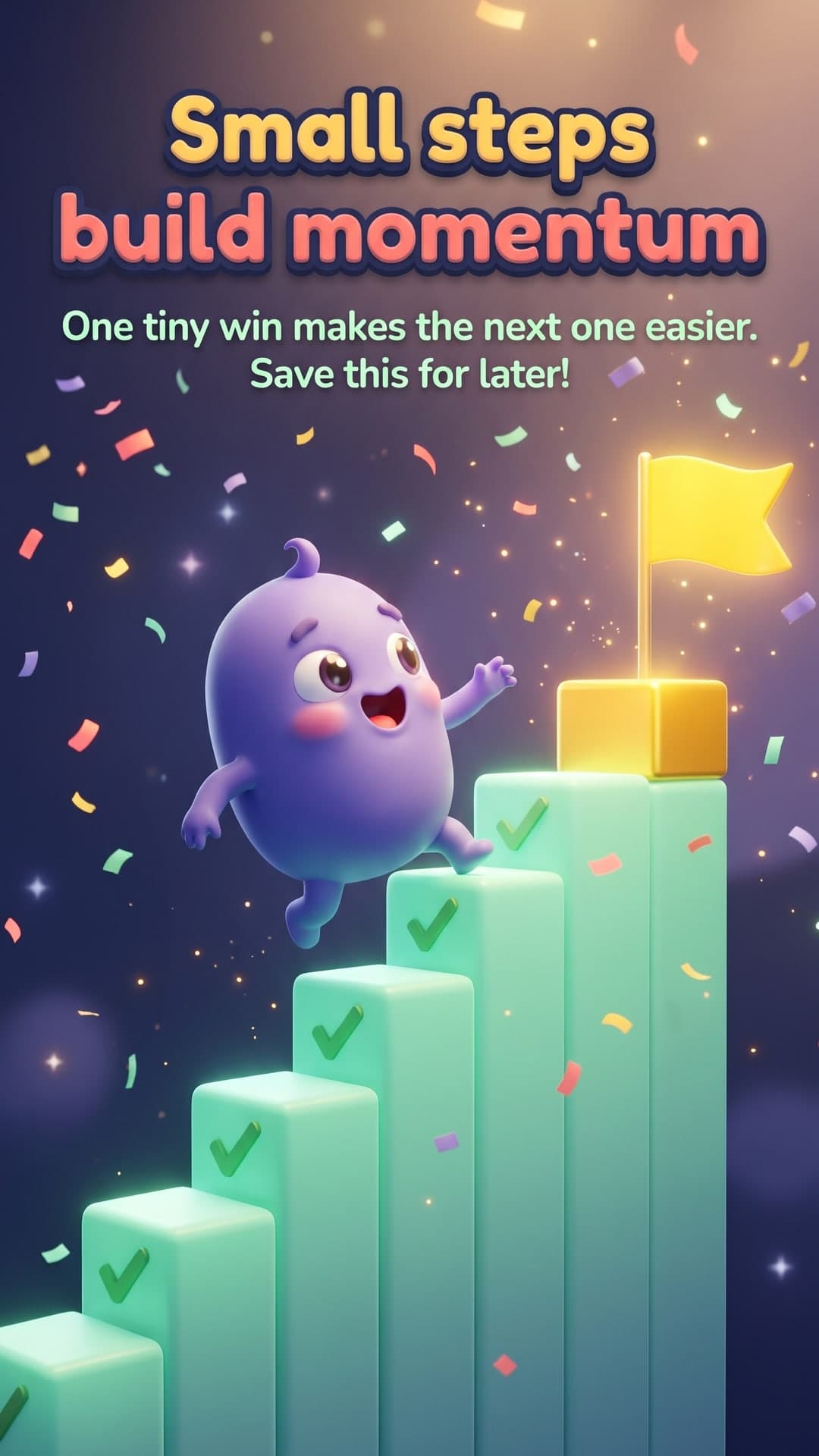
Independent benchmarks across millions of posts keep landing on the same answer: swipeable, visual explainers earn more engagement, more saves and more trust than single images.
+49%
Carousels averaged a 0.55% engagement rate vs 0.37% for single images across 35M posts from 447,613 accounts (2025).
+38%
Native document carousels hit LinkedIn's highest average engagement rate at 6.90%, compared with 5.00% for images.
TikTok
25%+
Analysis of 87,600 accounts, 1M+ videos and 73,388 image and carousel posts (May–Oct 2024).
Ads
30–50%
Facebook reported carousel link ads also drove 20–30% lower cost per click than single-image link ads.
Learning
65% vs 10%
“Hear a piece of information, and three days later you’ll remember 10% of it. Add a picture and you’ll remember 65%.”
Figures are from independent third-party research; we aren't affiliated with these organisations. Engagement varies by niche, audience and posting consistency.
No design skills, no prompt engineering. You bring the topic, ToonSlides handles the storytelling, illustration and sizing.
Anything you want to explain — a habit, a money concept, how your product works. Add an audience and tone if you like.
Topic
Why we procrastinate and how to stop
Get a hook-first, slide-by-slide script with scene directions and a recurring character. Edit anything before it's drawn.
Every slide is illustrated with powerful image generation in a consistent style, sized for your platform, with a caption and hashtags.
Built around how great explainer carousels actually work — and the details that make them look professional.
Your cover slide becomes the style and character reference for the rest of the set, so the mascot, palette and line work stay consistent from the first swipe to the last.
Powerful image generation renders short headlines directly inside each illustration — crisp, legible and designed together with the scene.
4:5, 1:1, 9:16 and 2:3, exported at exact platform sizes.
Edit the words or the scene and regenerate a single slide. Failed renders retry free.
A ready-to-paste caption that ends with a question, plus relevant hashtags.
Download one slide, the full set as a ZIP, or a PDF ready for LinkedIn document posts.
Every script follows the hook → one-idea-per-slide → payoff structure that earns saves.
Use your carousels for your brand, your clients and paid ads on any paid plan. Images are stored privately and only you can access them.
From flat cartoons to claymation, pixel art and tarot cards — every style keeps your character consistent and your text legible on a phone screen. Each preview here was created with the same powerful image generation your carousels use.
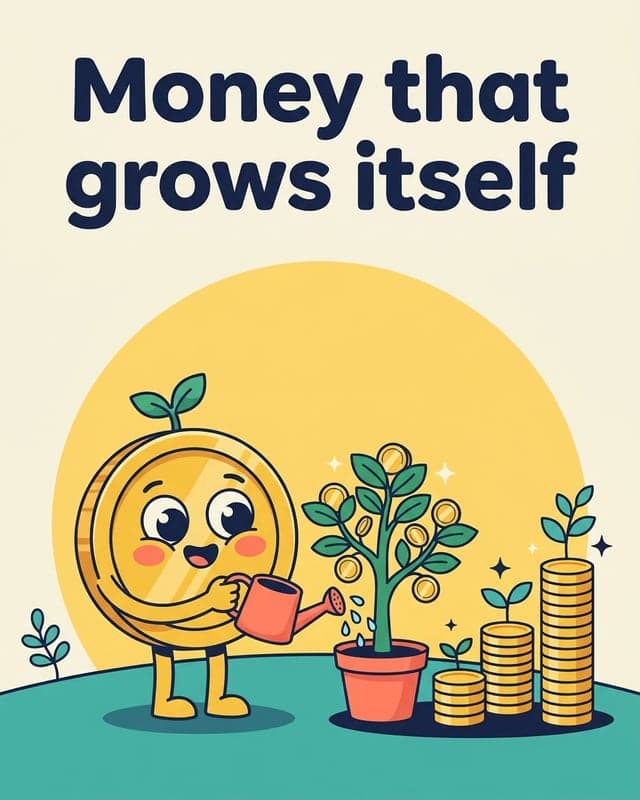
Bold outlines and bright flat colour.
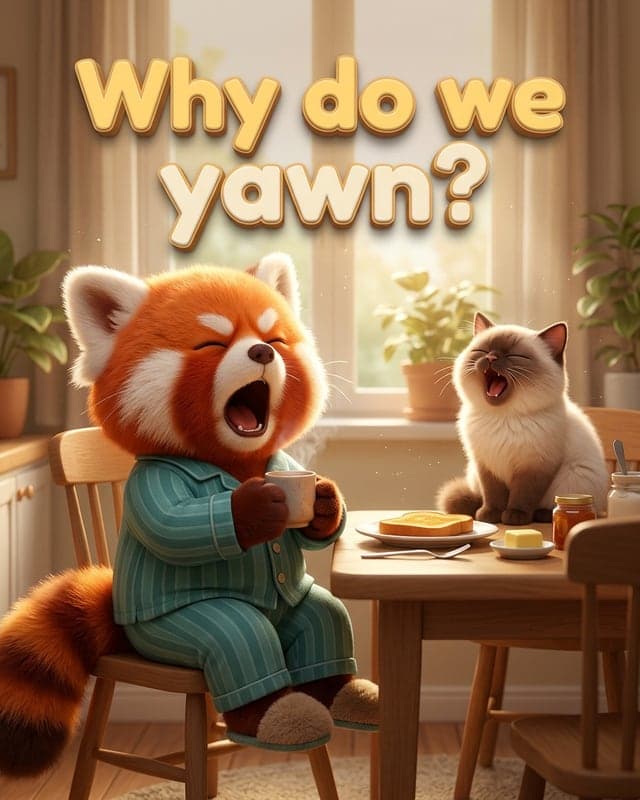
Feature-film 3D characters.
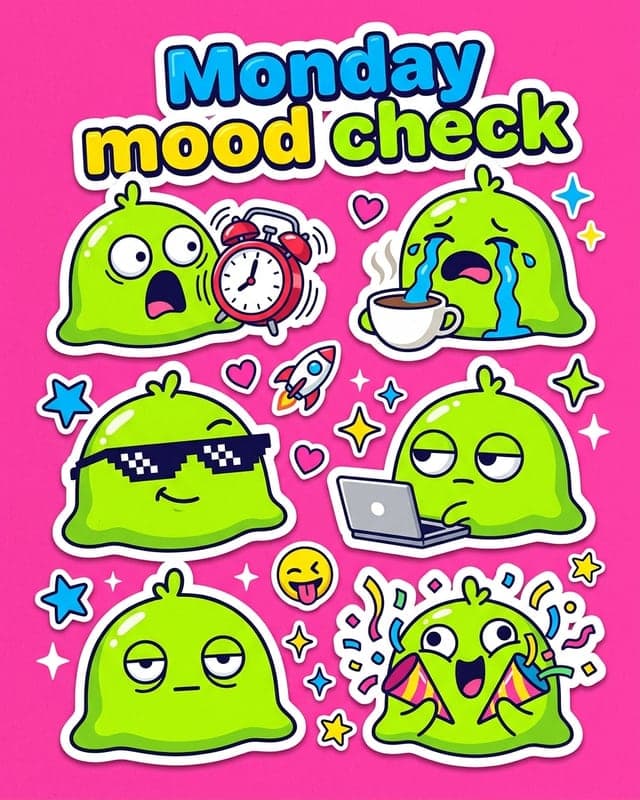
Die-cut meme stickers full of reactions.

Cel-shaded anime with big emotion.
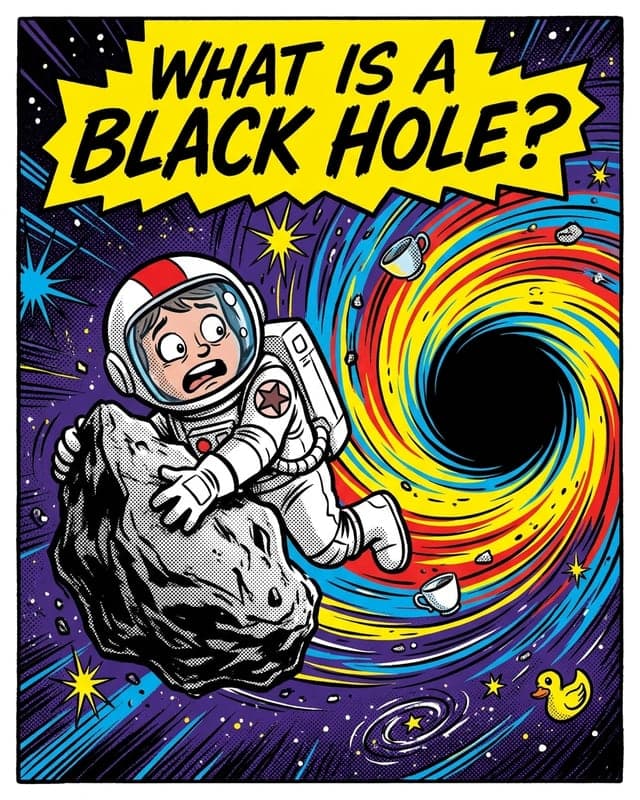
Ink lines, halftone dots, punchy colour.
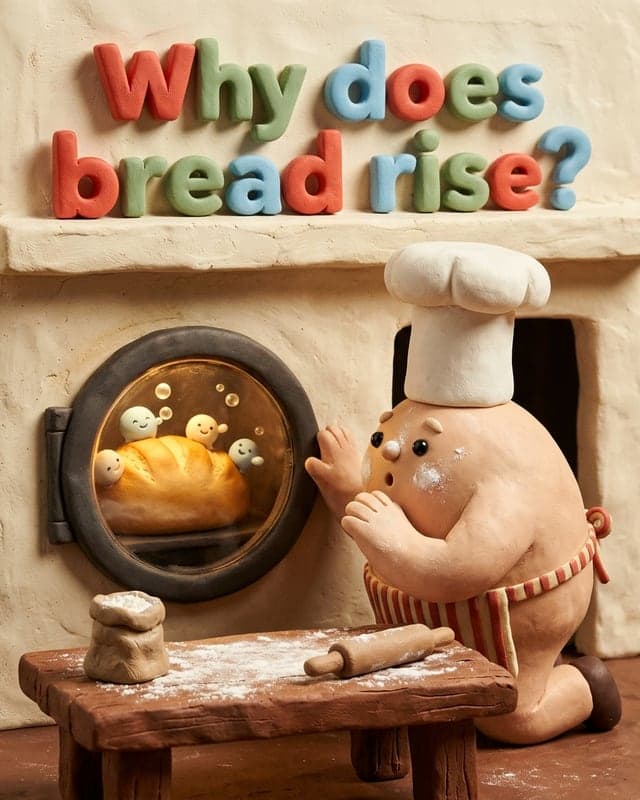
Soft, tactile stop-motion clay.
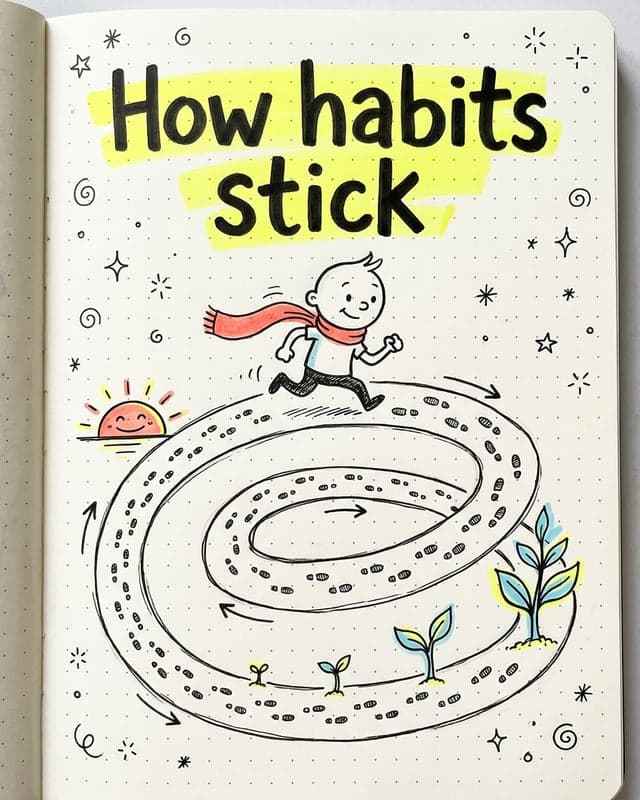
Hand-drawn marker sketches on paper.

Cute chibi characters, pastel tones.
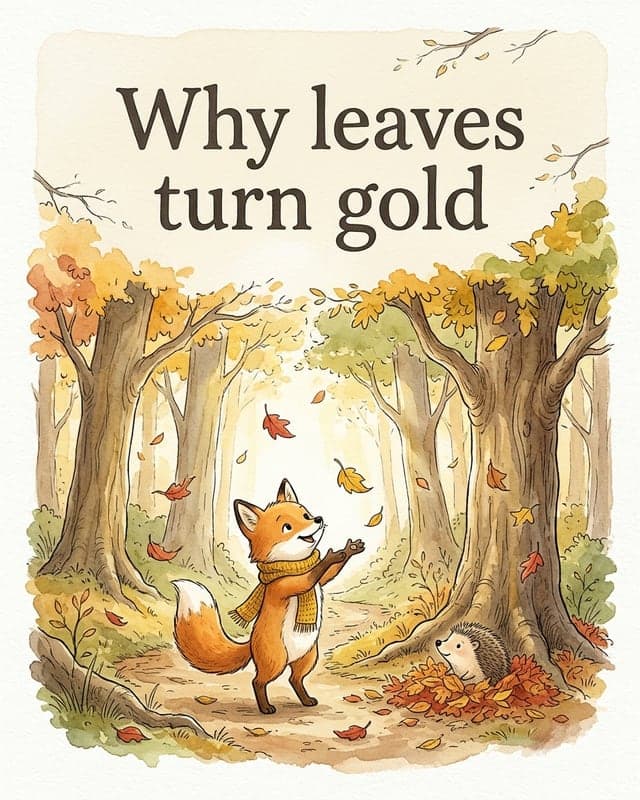
Watercolour picture-book charm.

Retro pixel art with console vibes.
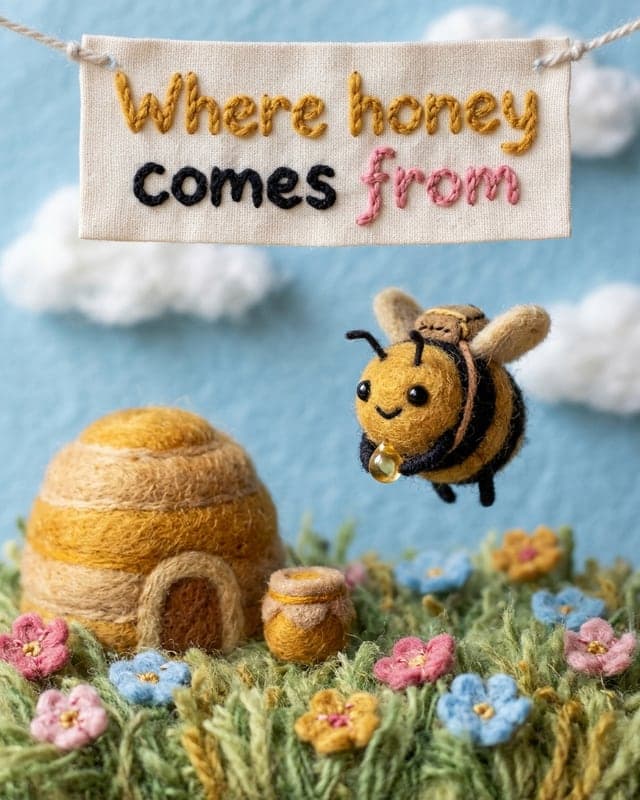
Needle-felted wool in tiny handmade sets.
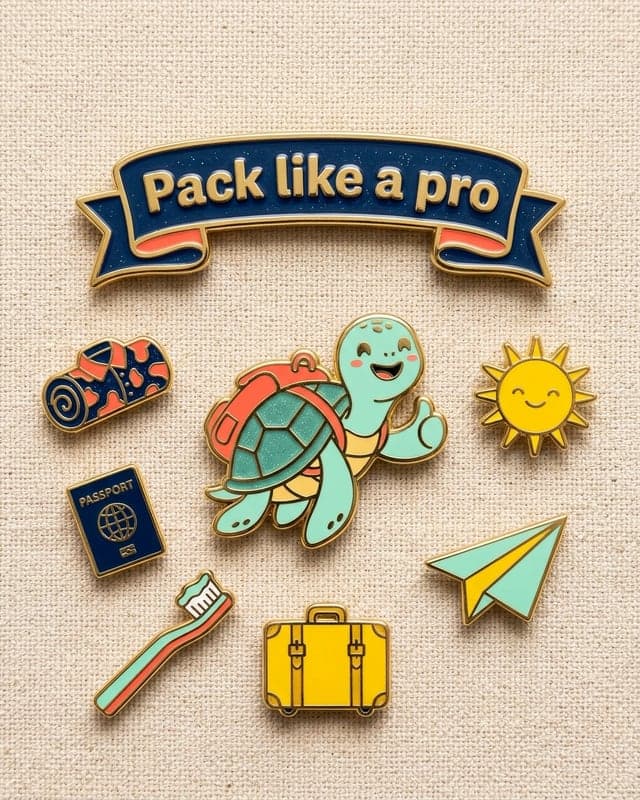
Glossy enamel pins on canvas.
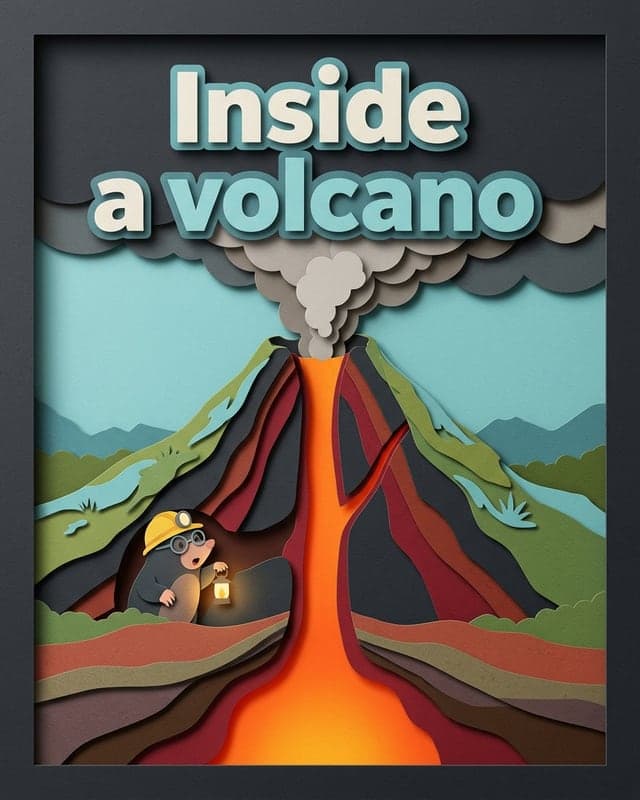
Layered paper craft with real depth.
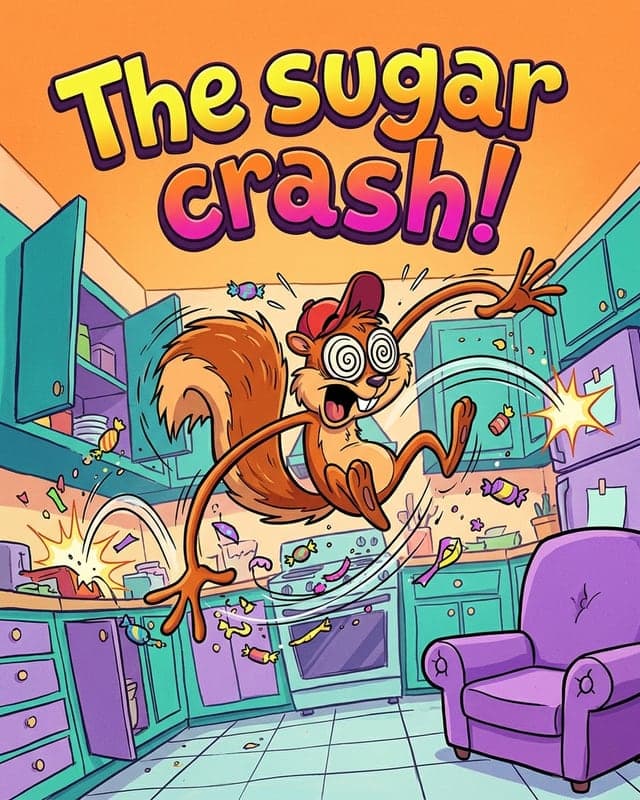
90s TV cartoon energy.

Tiny 3D worlds seen from above.
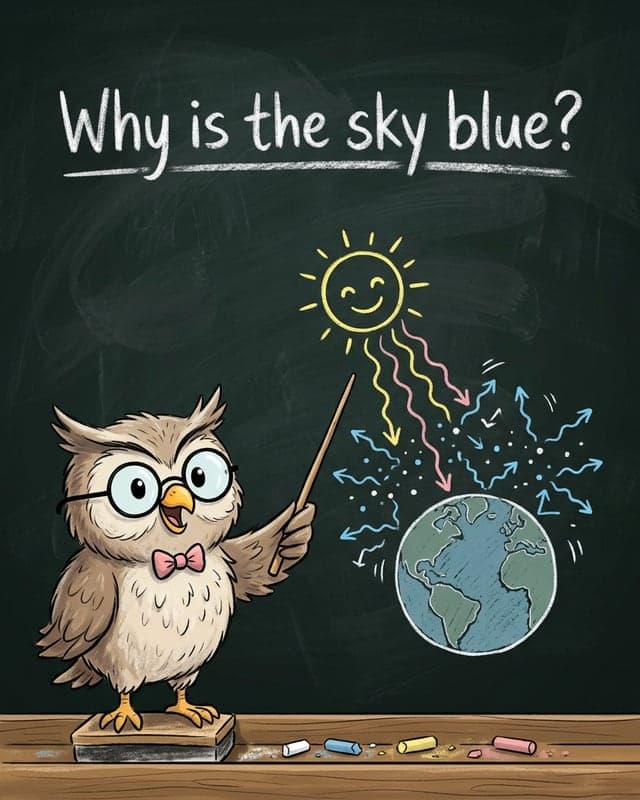
Chalk drawings on a classroom board.
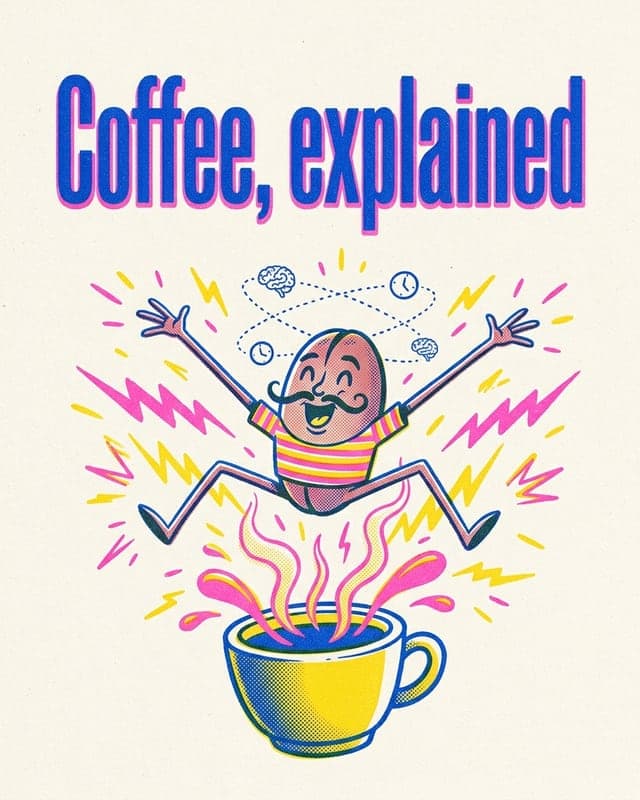
Grainy two-ink print-zine look.

Synthwave sunsets and airbrushed chrome.
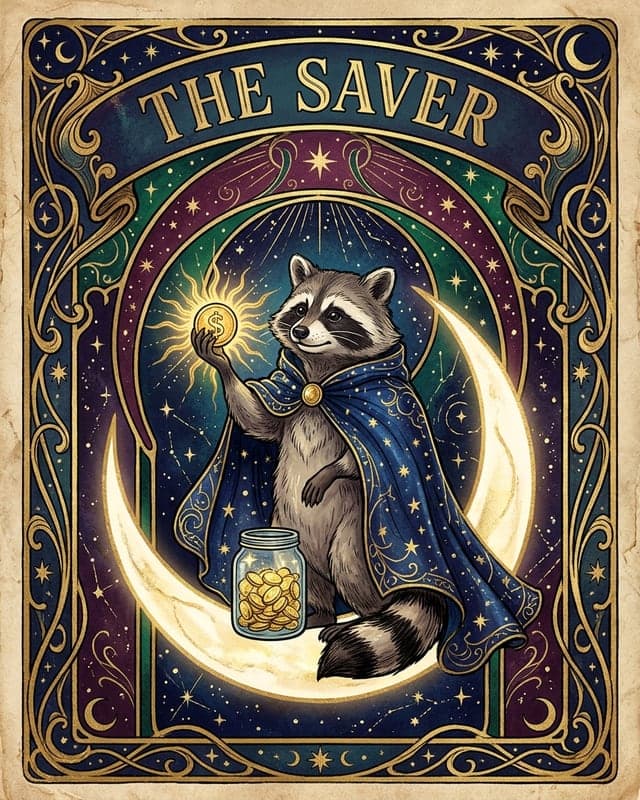
Ornate, mystical card art.
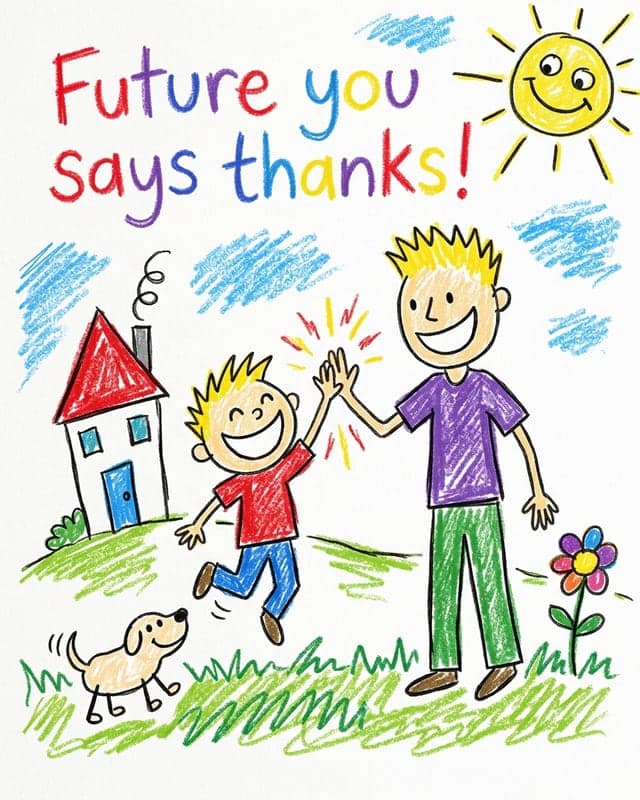
Wobbly, kid-drawn crayon art.
Money, science, health, psychology, your product — if it can be explained, it can be a carousel.
Wherever your audience scrolls, illustrated explainers help you teach, build trust and grow.
Create scroll-stopping Instagram carousels in minutes. ToonSlides writes the script and illustrates every 1080×1350 slide with consistent cartoon characters.
Learn moreGenerate illustrated LinkedIn carousels in minutes. Clear, cartoon explainer slides exported as a PDF document post, ready to upload. Try one free.
Learn moreMake TikTok photo carousels without filming. ToonSlides creates illustrated 1080×1920 cartoon slides that explain any topic. Add a sound and post.
Learn moreExplain tricky concepts with illustrated carousel slides. ToonSlides helps teachers, tutors and course creators turn lessons into cartoon explainers.
Learn moreCreate illustrated carousel posts that explain your product, answer FAQs and drive sales. Made for small businesses with no design team.
Learn moreYour first carousel is free. After that, pick a monthly plan — cancel any time.
See the magic before you pay.
$0
No card required
Create your free carouselFor creators posting a few explainers every week.
$19/month
≈ $0.16 per illustrated slide
Choose CreatorFor brands and educators posting daily.
$39/month
≈ $0.13 per illustrated slide
Choose ProFor agencies and teams running multiple accounts.
$89/month
≈ $0.11 per illustrated slide
Choose StudioIt's a set of swipeable image slides (usually 5–10) that explain one idea using colourful cartoon illustrations, relatable everyday scenes and a few words of text per slide. ToonSlides writes the script, designs a recurring character and illustrates every slide for you.
Slides are illustrated with powerful AI image generation that is excellent at keeping characters consistent and rendering short, legible text directly inside the image. The slide script is written by AI and you can edit it before anything is drawn.
Yes. Every new account can create 1 complete carousel of up to 6 illustrated slides for free, with no card required. After that, choose a monthly plan to keep creating.
Choose portrait 4:5 (1080×1350, ideal for Instagram, LinkedIn and Facebook), square 1:1 (1080×1080), tall 9:16 (1080×1920 for TikTok photo mode, Stories and Shorts) or 2:3 for Pinterest. Download slides individually, as a ZIP, or as a PDF ready for LinkedIn document posts.
Yes. Carousels you create on a paid plan can be used for your own brand, clients and paid promotion, subject to our terms and the acceptable-use rules of the underlying AI model.
Absolutely. Tweak the headline, supporting text or scene description and regenerate just that slide. The new version keeps the same character and art style as the rest of the set.
Independent benchmarks consistently rank carousels at or near the top for engagement. Socialinsider's analysis of 35 million Instagram posts found carousels averaged 0.55% engagement versus 0.37% for single images, and its LinkedIn research found document carousels had the platform's highest average engagement rate. Results always depend on your niche, audience and consistency.
Yes. Plans are billed monthly through Stripe and you can upgrade, downgrade or cancel from your dashboard at any time. You keep access until the end of the billing period.
Type a topic, review the script and get a fully illustrated, swipeable carousel. Your first 6-slide carousel is on us.

