A TikTok photo carousel maker — no filming required
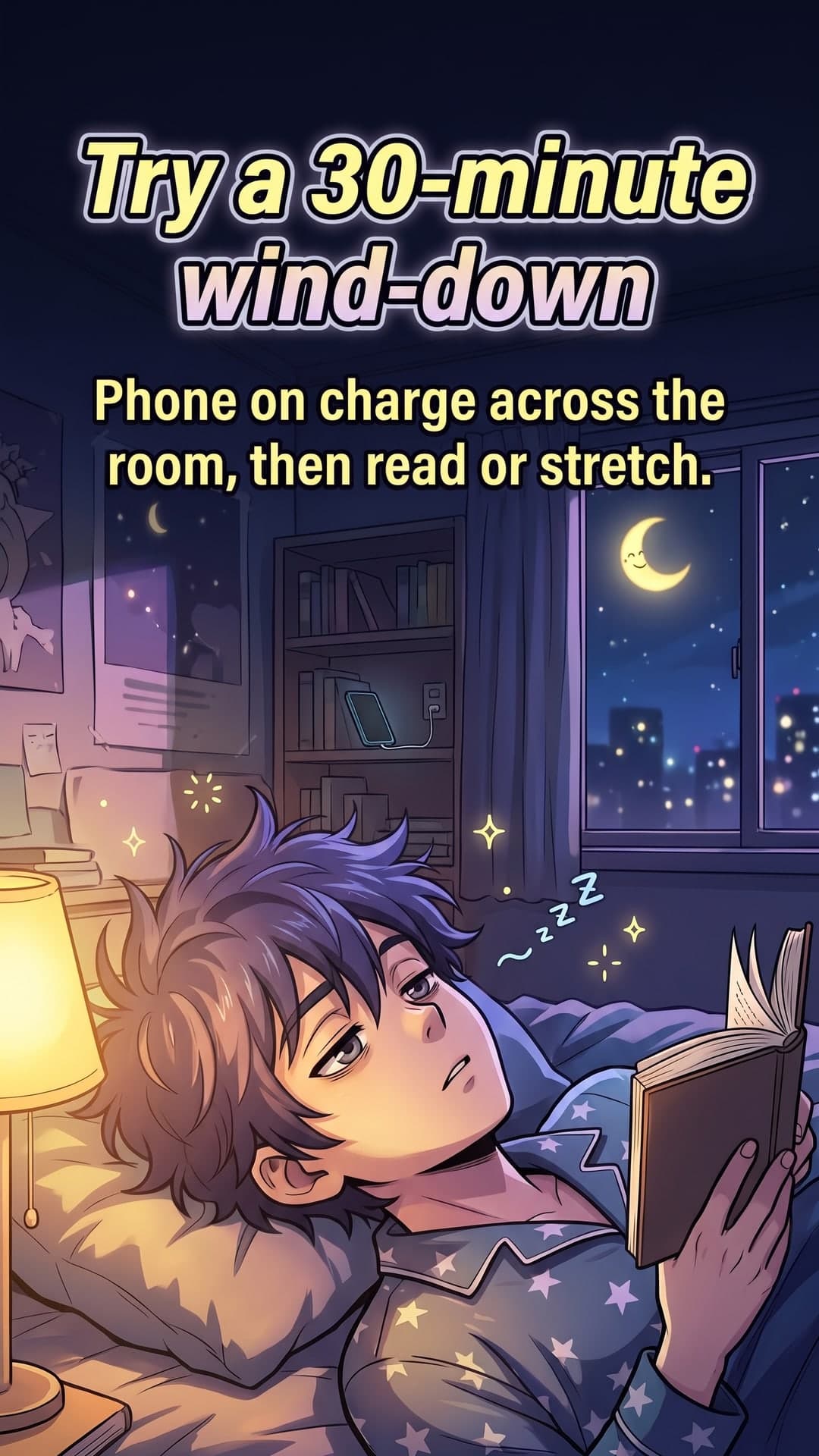
TikTok's photo mode lets you post swipeable image carousels with music, and research shows they earn a higher engagement ratio than videos. ToonSlides creates full-screen 9:16 cartoon slides that explain your topic, so you can post consistently without being on camera.
toonslides.demo
1/5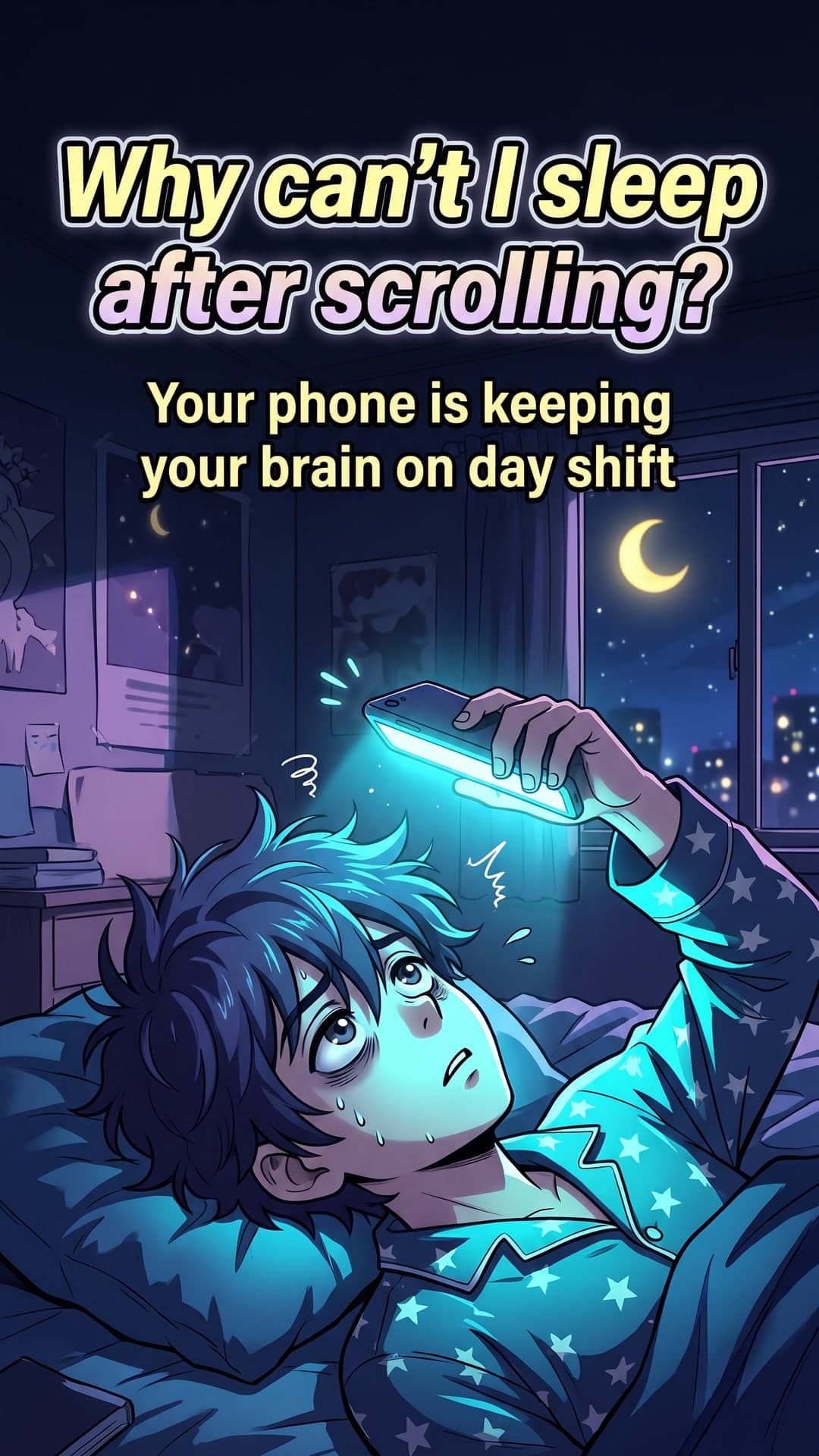
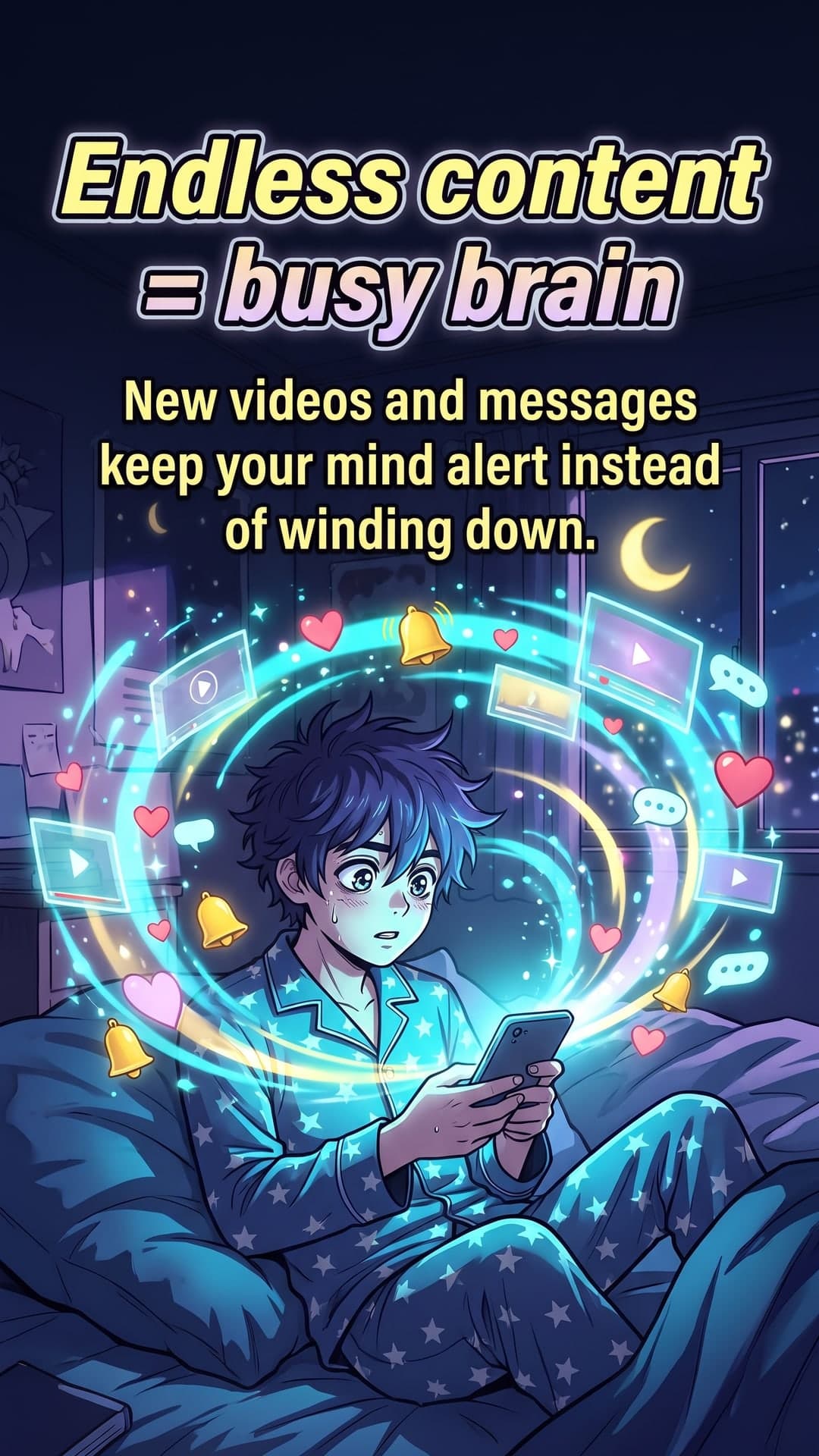
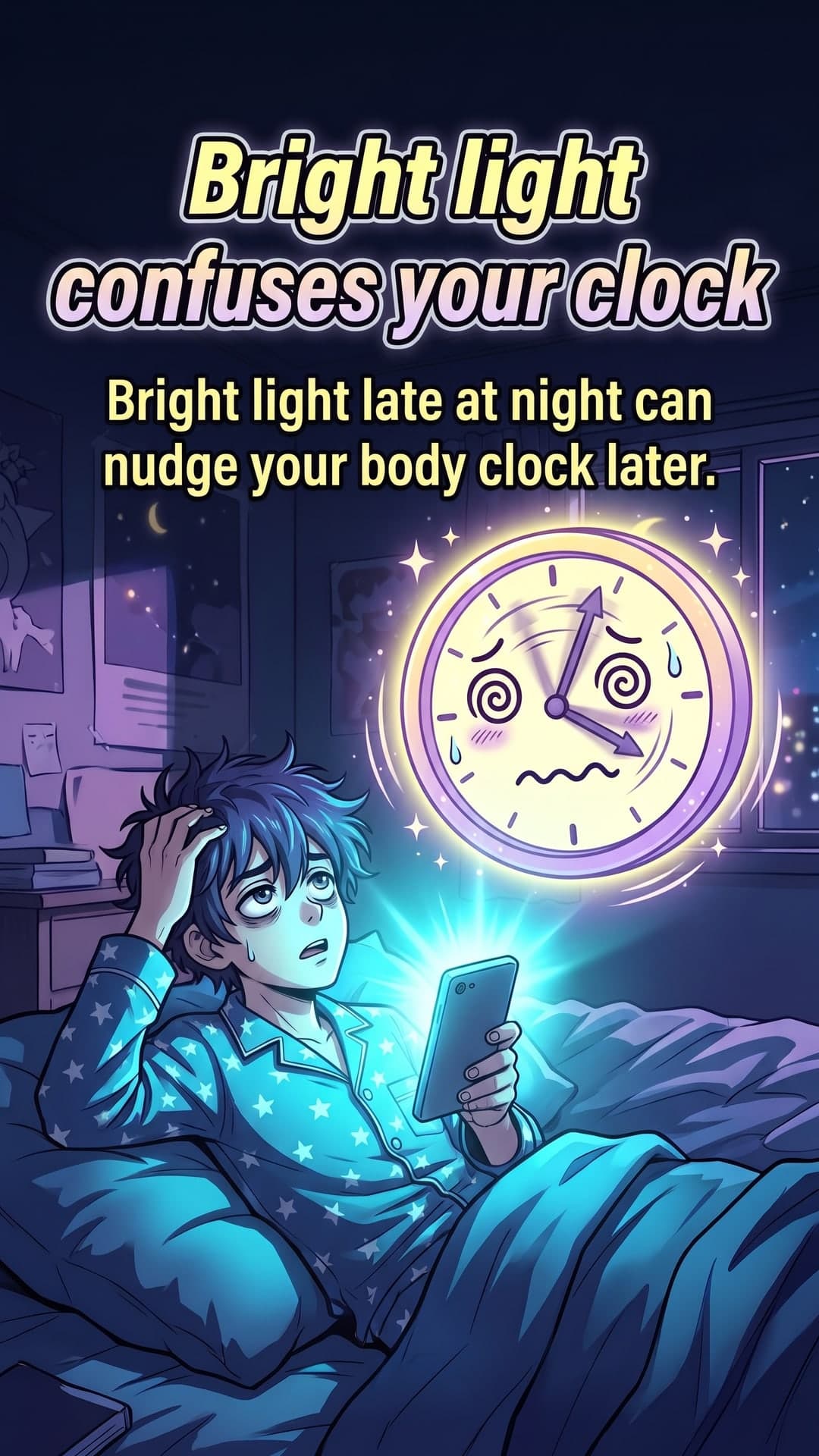
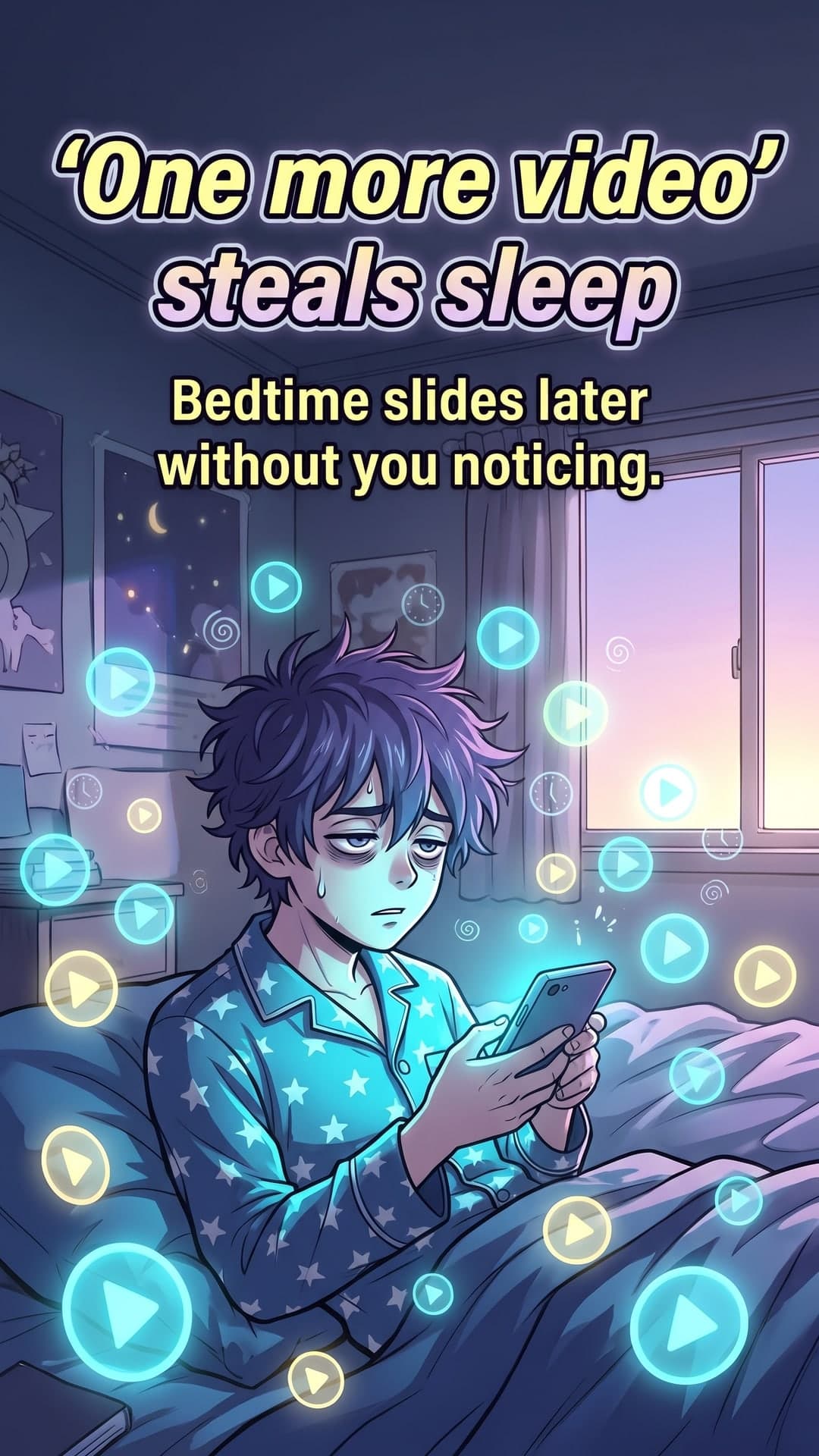
Recommended format
- Aspect ratio
- 9:16 tall
- Image size
- 1080 × 1920 px
- Slides
- 4–8 recommended
- Export
- JPG slides or ZIP
25%+
Why it works
Faceless content that performs
Explain, teach and entertain with illustrated scenes — no camera, lighting or editing needed.
Full-screen 9:16 slides
Every slide is composed for the full phone screen with text kept clear of TikTok's on-screen buttons.
Swipe-worthy storytelling
Scripts are built like mini stories: a hook, a few quick beats and a satisfying payoff.
Post more, burn out less
Batch a week of carousels in one sitting and keep a consistent posting rhythm.
Carousel ideas to try
- Things you didn't know about…
- POV: explaining a concept to a 5-year-old
- Rank these: a quick tier list
- A day in the life, illustrated
- Myth vs fact in your niche
- Step-by-step: a mini tutorial
Pro tips
- 1Keep text in the middle area of the slide so it isn't hidden by captions and buttons.
- 2Add a trending sound that fits the mood of your carousel.
- 3Use 4–8 slides so people reach the end and swipe back.
- 4Put the payoff on the final slide to encourage replays and saves.
From idea to illustrated carousel in three steps
No design skills, no prompt engineering. You bring the topic, ToonSlides handles the storytelling, illustration and sizing.
01Type a topic
Anything you want to explain — a habit, a money concept, how your product works. Add an audience and tone if you like.
Topic
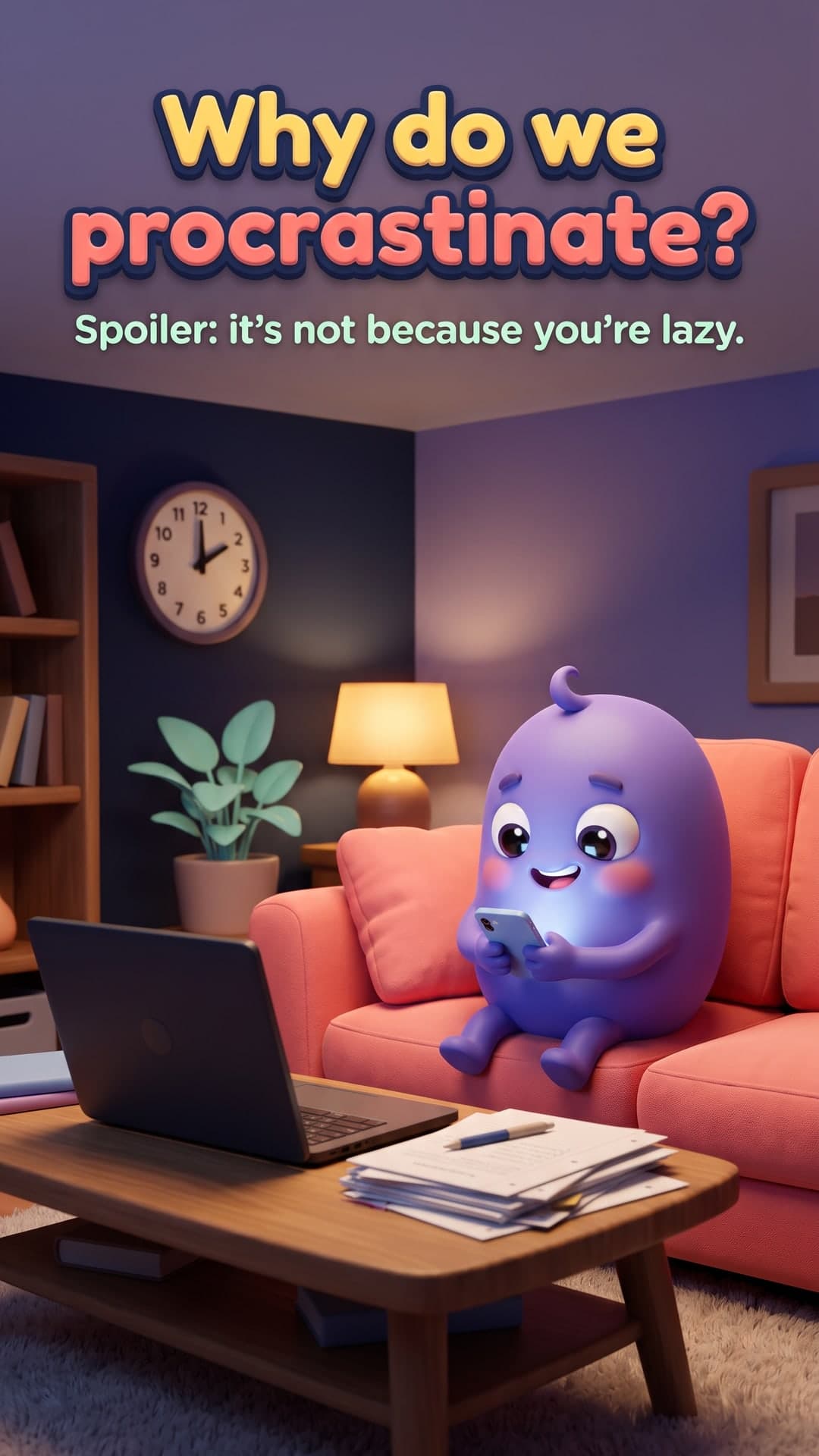
Why we procrastinate and how to stop
Audience: studentsTone: friendly5 slides3D Animated02Review the script
Get a hook-first, slide-by-slide script with scene directions and a recurring character. Edit anything before it's drawn.
- 1Why do we procrastinate?
- 2Your brain is dodging a bad feeling
- 3Quick rewards win (for now)
- 4Try the 2-minute rule
- 5Small steps build momentum
03Download & post
Every slide is illustrated with powerful image generation in a consistent style, sized for your platform, with a caption and hashtags.


Frequently asked questions
What size should TikTok photo carousel images be?
Use 1080 × 1920 px (9:16) so slides fill the screen. ToonSlides’s 'Tall 9:16' format is made for this.
Can I add music to a TikTok carousel?
Yes. When you upload photos in TikTok's photo mode you can add any sound from the library, just like a video.
Is this good for faceless accounts?
Yes — illustrated explainers are ideal for faceless niche accounts in education, money, wellbeing, science and more.
Made for creators, educators and brands
Wherever your audience scrolls, illustrated explainers help you teach, build trust and grow.
- For Instagram
AI Instagram Carousel Maker with Cartoon Slides
Create scroll-stopping Instagram carousels in minutes. ToonSlides writes the script and illustrates every 1080×1350 slide with consistent cartoon characters.
Learn more - For LinkedIn
LinkedIn Carousel Generator
Generate illustrated LinkedIn carousels in minutes. Clear, cartoon explainer slides exported as a PDF document post, ready to upload. Try one free.
Learn more - For educators
Educational Carousel Posts for Teachers & Tutors
Explain tricky concepts with illustrated carousel slides. ToonSlides helps teachers, tutors and course creators turn lessons into cartoon explainers.
Learn more - For small businesses
Carousel Posts for Small Businesses
Create illustrated carousel posts that explain your product, answer FAQs and drive sales. Made for small businesses with no design team.
Learn more
Your next carousel is two minutes away
Type a topic, review the script and get a fully illustrated, swipeable carousel. Your first 6-slide carousel is on us.