The AI Instagram carousel maker for cartoon explainers
Carousels are Instagram's highest-engagement post format, but designing ten illustrated slides by hand takes hours. ToonSlides turns a single topic into a hook-first, cartoon-illustrated carousel sized perfectly for the feed — with the caption and hashtags written for you.
toonslides.demo
1/5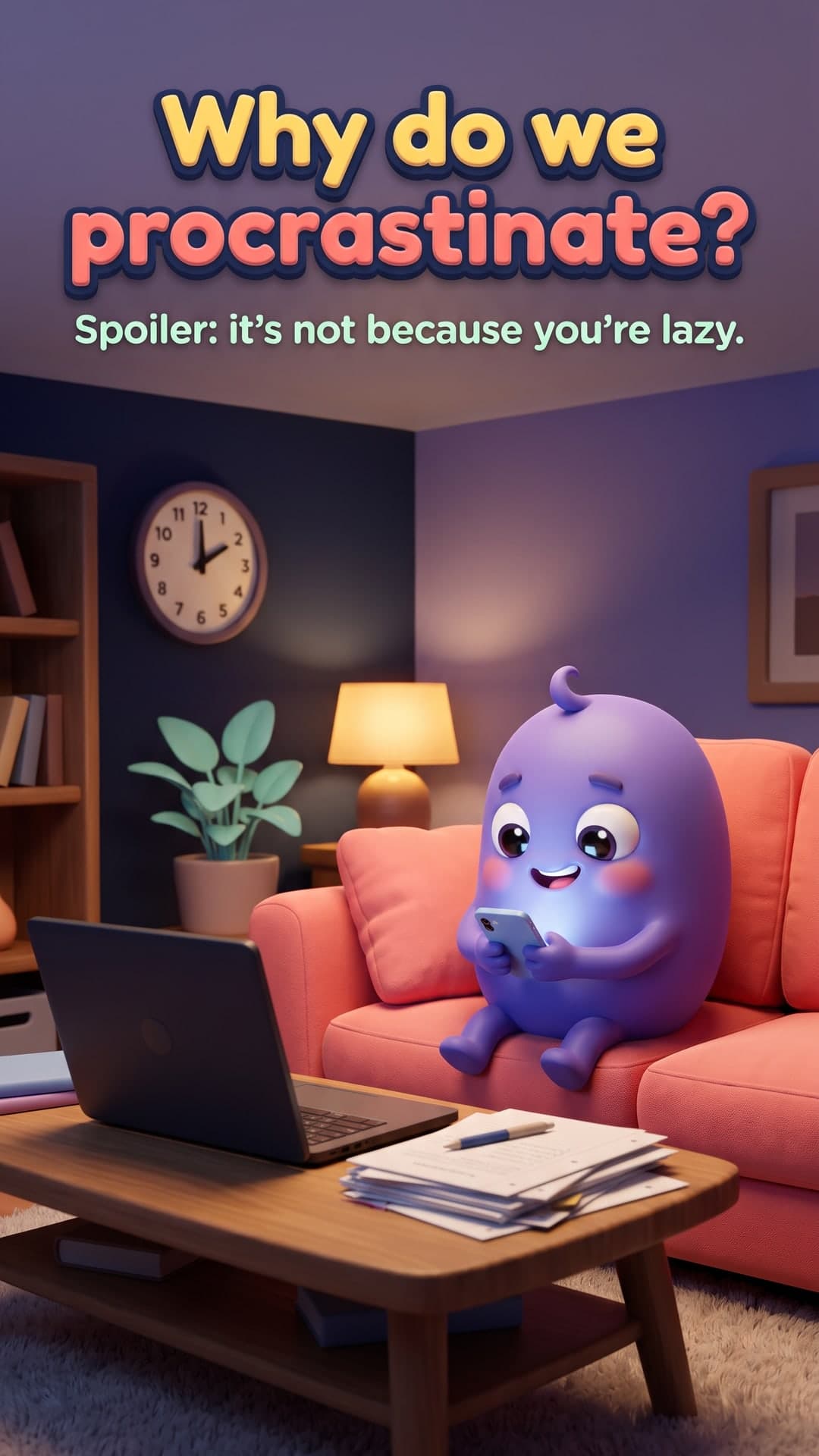


Recommended format
- Aspect ratio
- 4:5 portrait
- Image size
- 1080 × 1350 px
- Slides
- 5–10 recommended (up to 20 allowed)
- Export
- JPG slides or ZIP
0.55% vs 0.37%
Why it works
Sized for maximum feed space
Portrait 4:5 slides take up more of the screen than squares, so your first slide gets more attention as people scroll.
A hook that earns the swipe
Every script opens with a curiosity-driven cover slide and ends with a save-or-share call to action — the two moments that matter most.
One character, every slide
A recurring mascot keeps the set cohesive and makes your posts instantly recognisable in a busy feed.
Caption and hashtags included
Get a ready-to-paste caption ending in a question to spark comments, plus relevant hashtags for discovery.
Carousel ideas to try
- 5 myths about your niche, busted
- How a process works, in 6 simple steps
- Beginner's guide to a skill your audience wants
- What nobody tells you about…
- Before vs after: common mistakes and fixes
- The science behind an everyday habit
Pro tips
- 1Keep one idea per slide and fewer than 25 words of text.
- 2Make the cover a question or a bold promise people want answered.
- 3Use the same aspect ratio for every slide — Instagram crops a carousel to the first image's ratio.
- 4End with a reason to save or share; saves and shares tell the algorithm your post is valuable.
From idea to illustrated carousel in three steps
No design skills, no prompt engineering. You bring the topic, ToonSlides handles the storytelling, illustration and sizing.
01Type a topic
Anything you want to explain — a habit, a money concept, how your product works. Add an audience and tone if you like.
Topic
Why we procrastinate and how to stop
Audience: studentsTone: friendly5 slides3D Animated02Review the script
Get a hook-first, slide-by-slide script with scene directions and a recurring character. Edit anything before it's drawn.
- 1Why do we procrastinate?
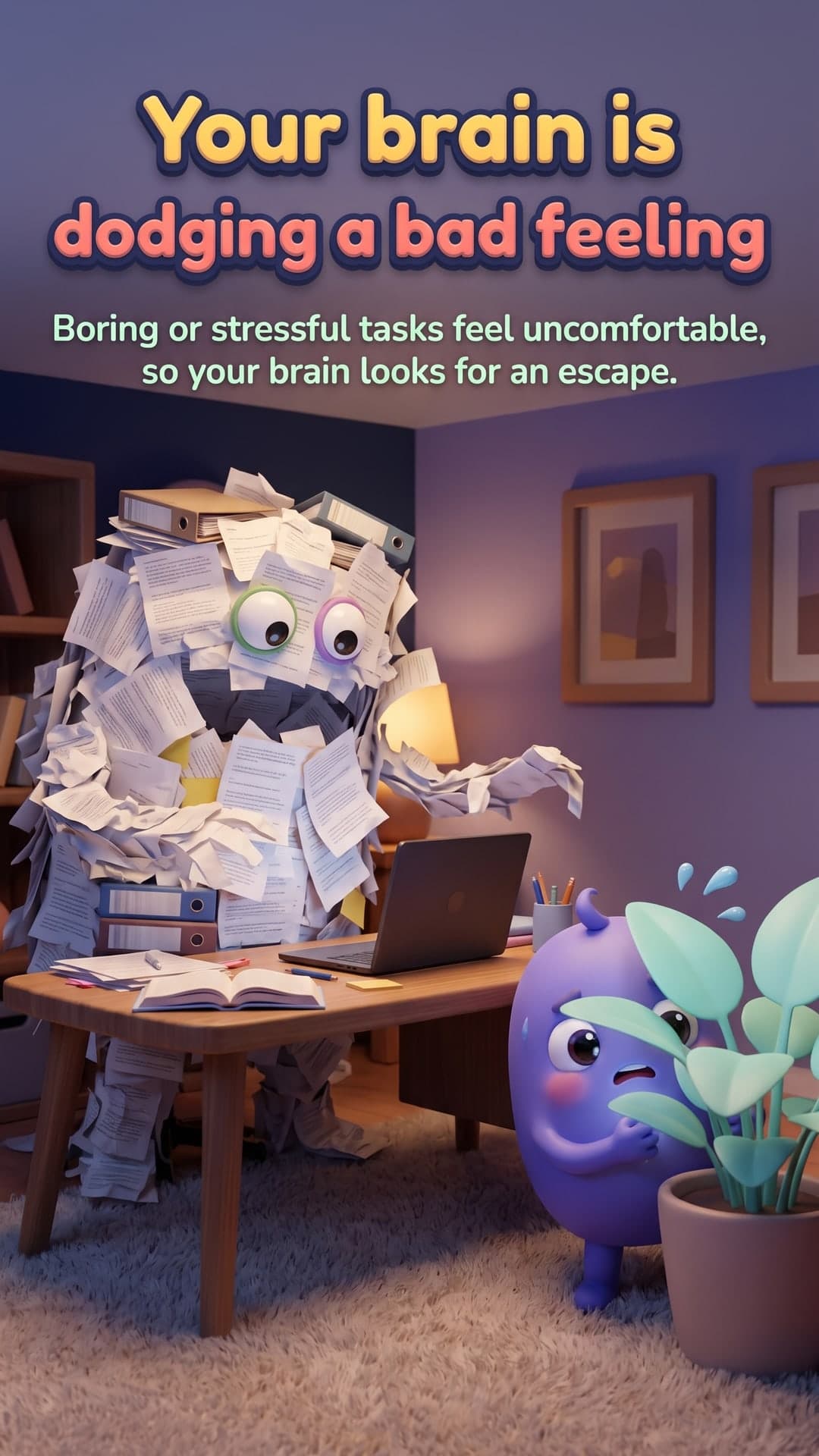
- 2Your brain is dodging a bad feeling
- 3Quick rewards win (for now)
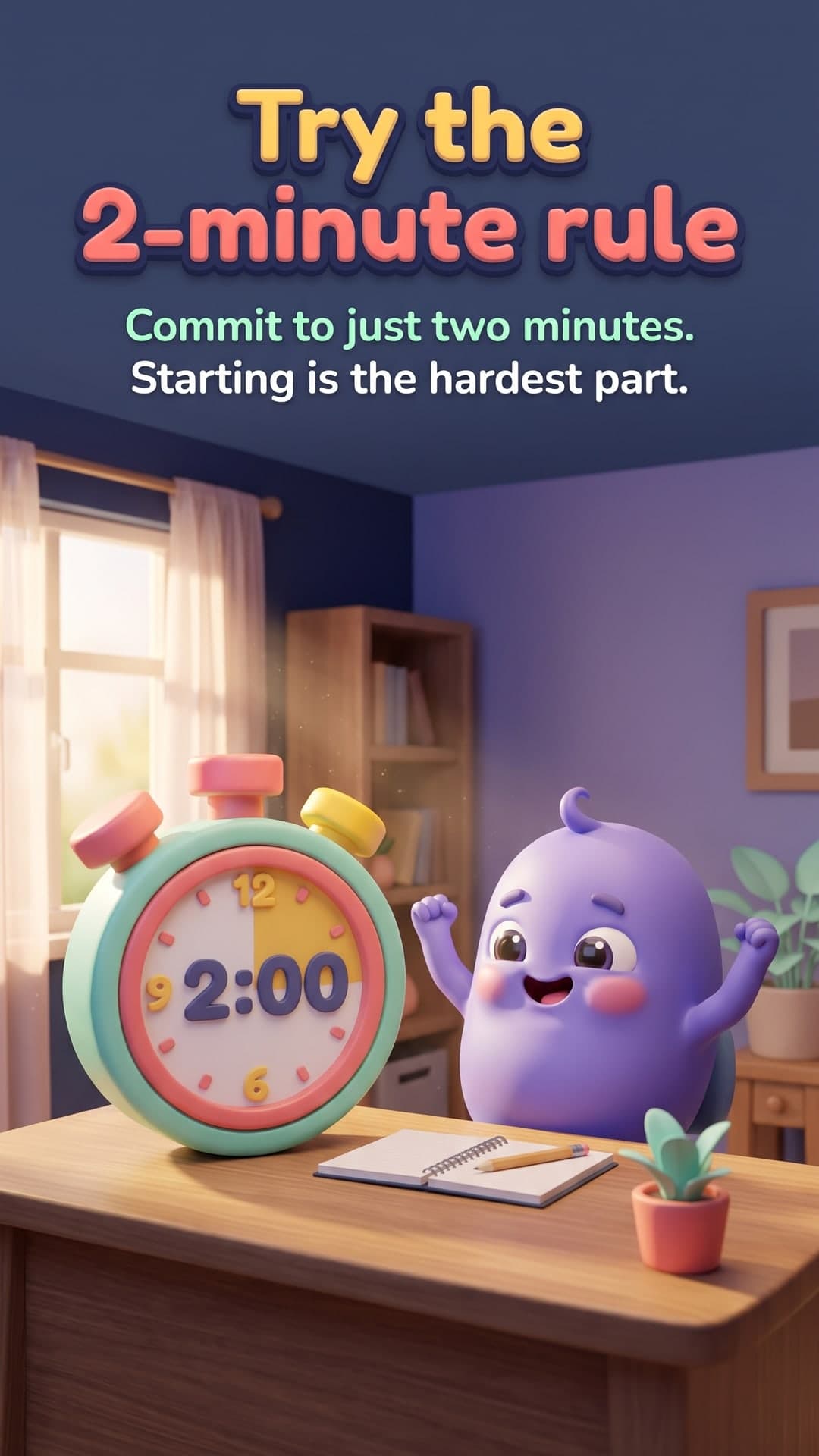
- 4Try the 2-minute rule
- 5Small steps build momentum
03Download & post
Every slide is illustrated with powerful image generation in a consistent style, sized for your platform, with a caption and hashtags.
Frequently asked questions
What size should Instagram carousel images be?
Use 1080 × 1350 px (4:5 portrait) for the most feed space. Square 1080 × 1080 also works. Keep every slide in a carousel the same size.
How many slides can an Instagram carousel have?
Instagram allows up to 20 images in a carousel. For explainers, 5–10 slides is usually enough to teach one idea well without losing people.
Will my characters look the same on every slide?
Yes. ToonSlides illustrates your cover first, then uses it as a style and character reference for every following slide, so the set stays consistent.
Made for creators, educators and brands
Wherever your audience scrolls, illustrated explainers help you teach, build trust and grow.
- For LinkedIn
LinkedIn Carousel Generator
Generate illustrated LinkedIn carousels in minutes. Clear, cartoon explainer slides exported as a PDF document post, ready to upload. Try one free.
Learn more - For TikTok
TikTok Photo Carousel Maker
Make TikTok photo carousels without filming. ToonSlides creates illustrated 1080×1920 cartoon slides that explain any topic. Add a sound and post.
Learn more - For educators
Educational Carousel Posts for Teachers & Tutors
Explain tricky concepts with illustrated carousel slides. ToonSlides helps teachers, tutors and course creators turn lessons into cartoon explainers.
Learn more - For small businesses
Carousel Posts for Small Businesses
Create illustrated carousel posts that explain your product, answer FAQs and drive sales. Made for small businesses with no design team.
Learn more
Your next carousel is two minutes away
Type a topic, review the script and get a fully illustrated, swipeable carousel. Your first 6-slide carousel is on us.