Illustrated explainer carousels for teachers and tutors
Pictures make ideas stick. ToonSlides turns a lesson, concept or study tip into a short sequence of cartoon scenes with minimal text — perfect for class social accounts, revision resources, parent updates and online course promotion.
toonslides.demo
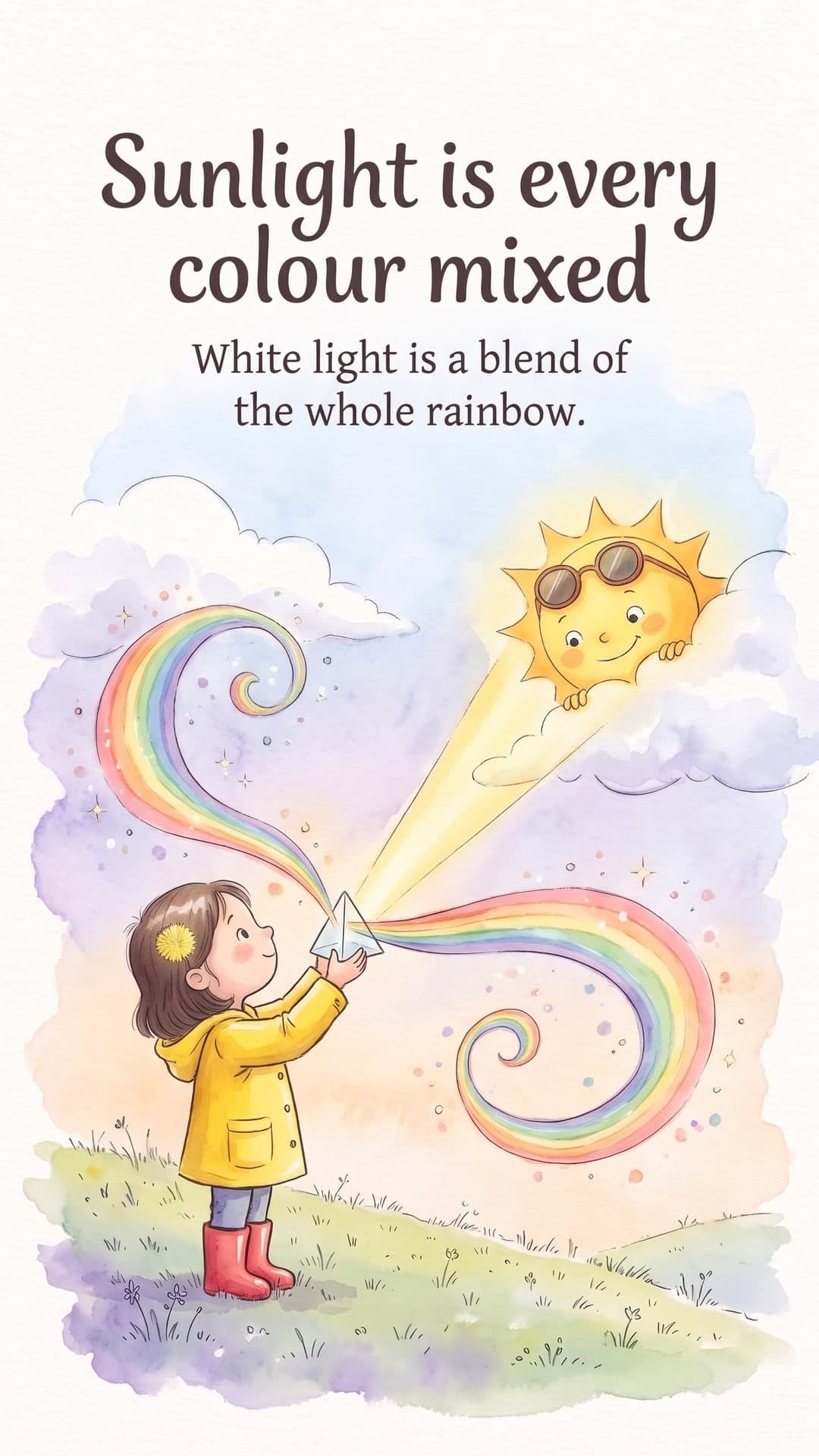
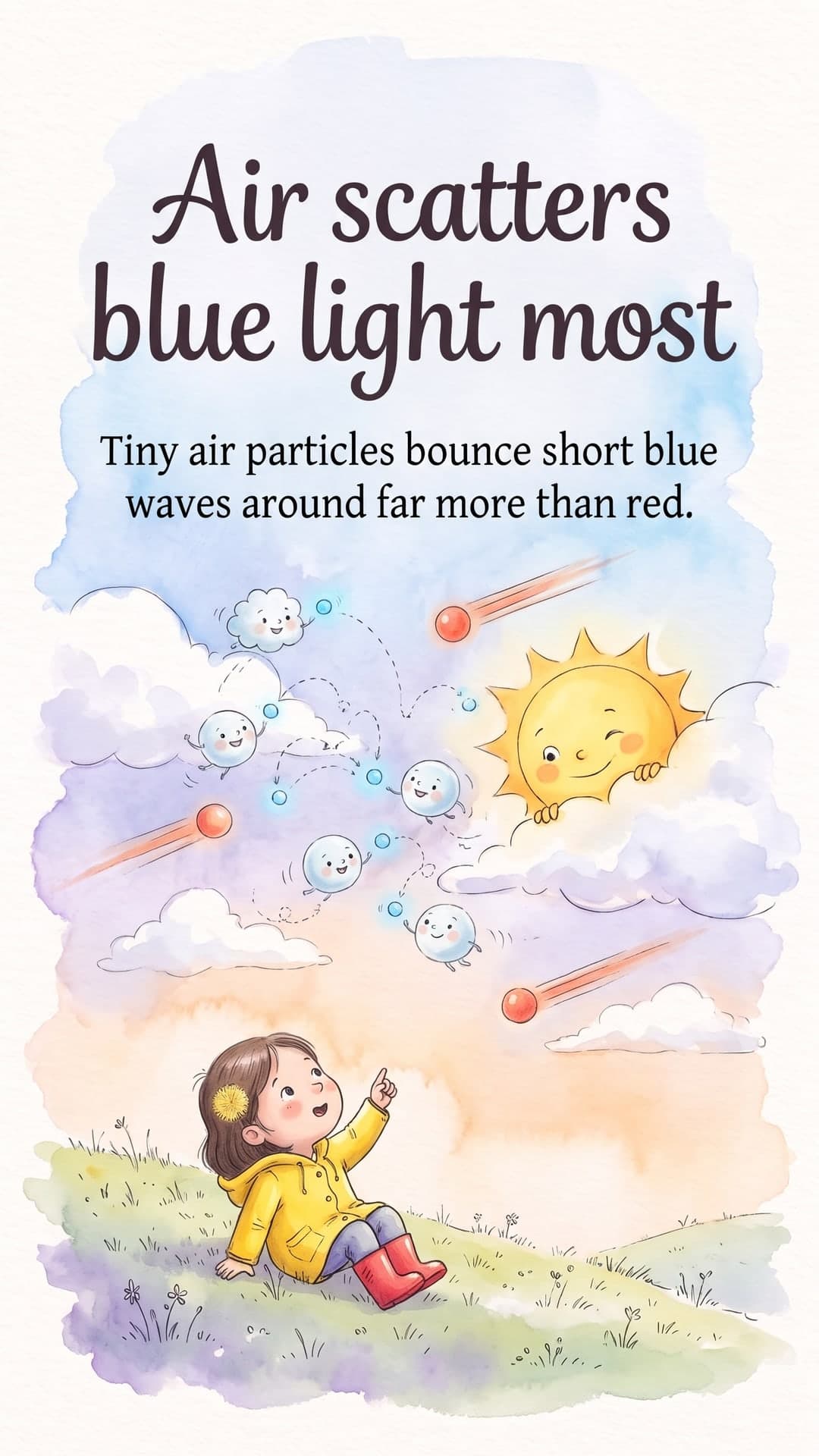
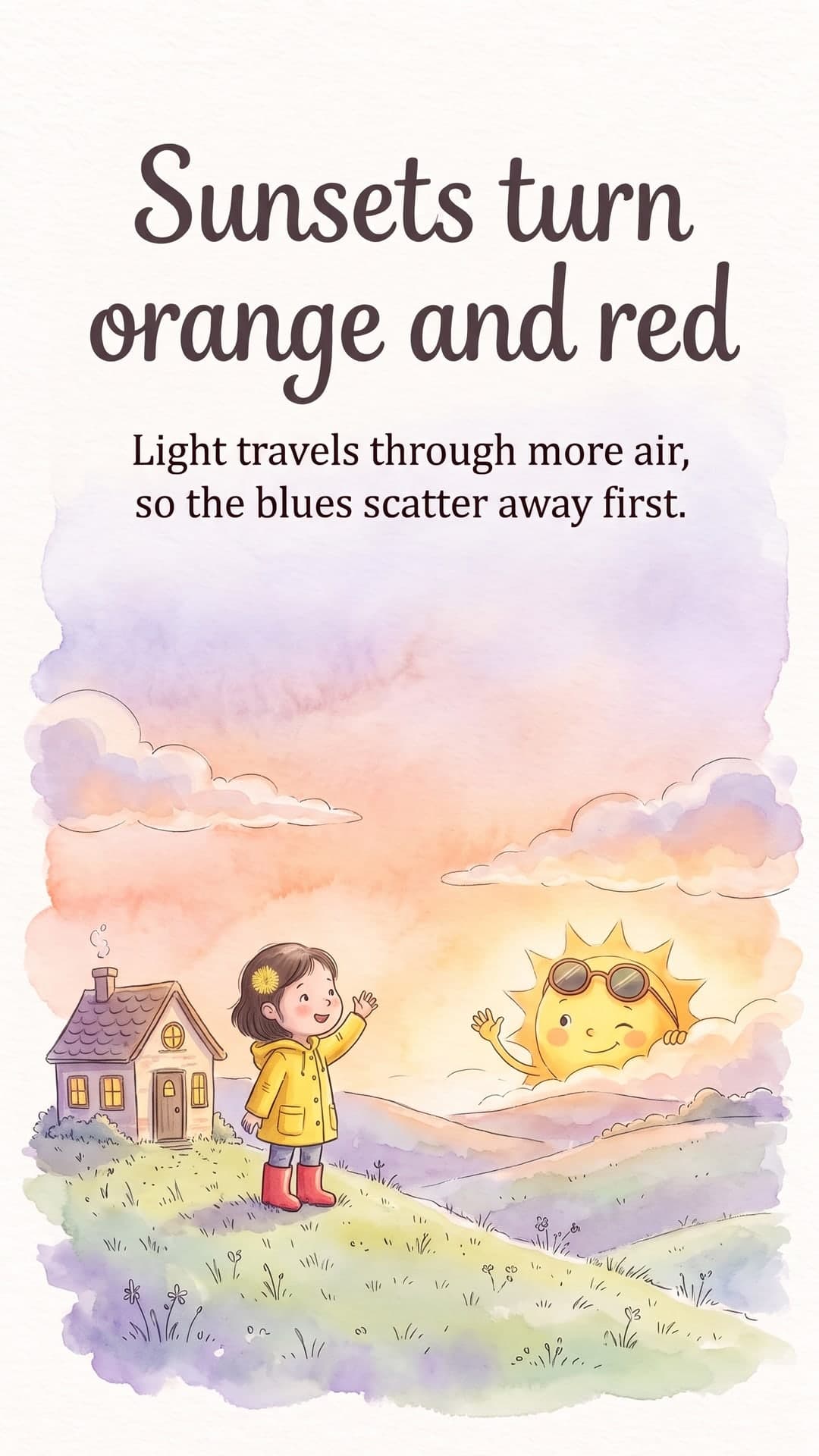
1/5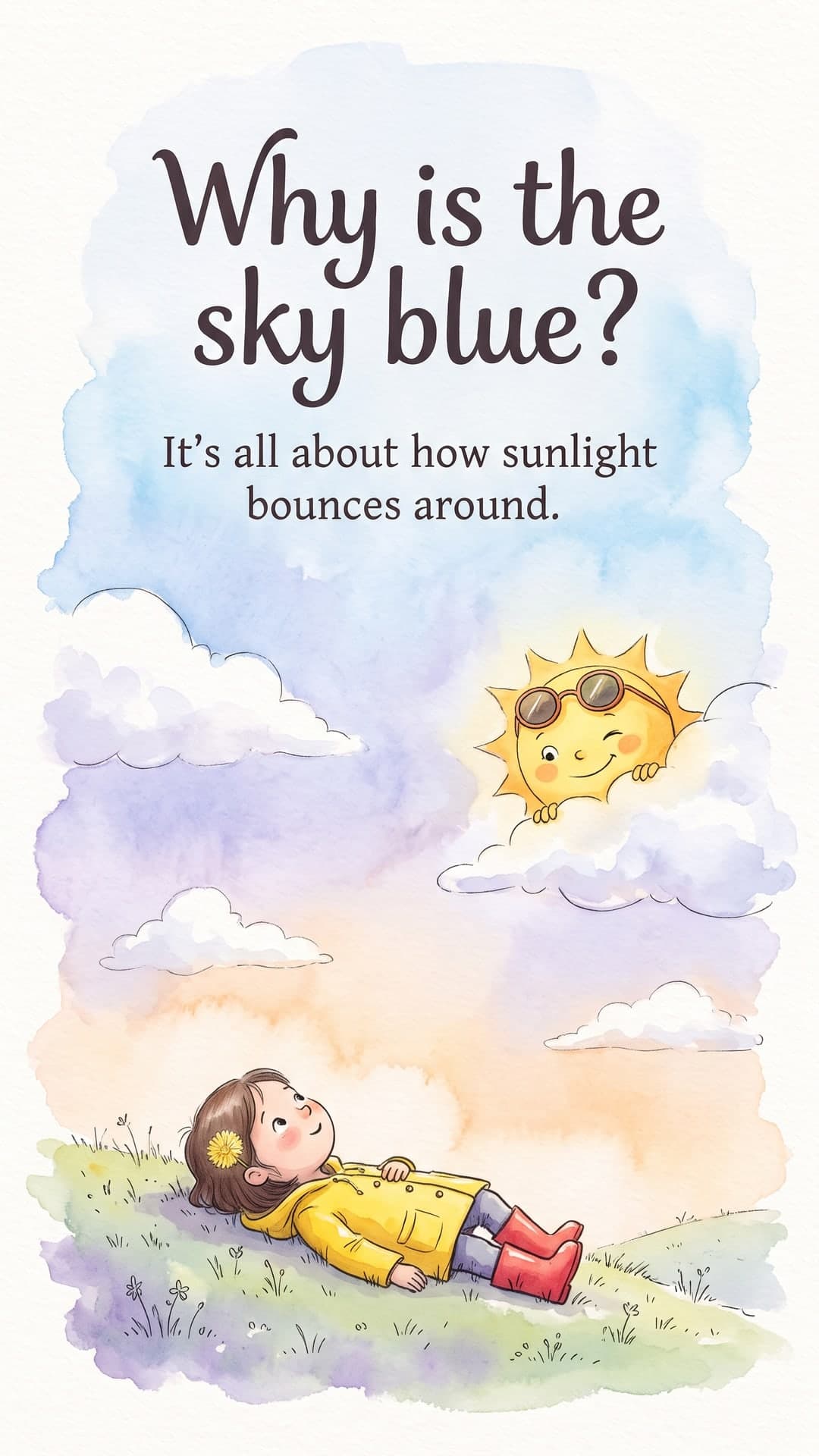

Recommended format
- Aspect ratio
- 4:5 portrait or 1:1 square
- Image size
- 1080 × 1350 px
- Slides
- 5–8 recommended
- Export
- JPG, ZIP or PDF
65% vs 10%
Why it works
Concepts, not clutter
Each slide focuses on one idea with a relatable scene, mirroring how good teachers break topics down.
Age-appropriate tone
Set the audience — 'year 6 pupils', 'GCSE students', 'adult learners' — and the language adapts.
Accurate by design
Review and edit every word before illustration, so you stay in control of what's taught.
Print or post
Download a PDF for the classroom or share slides on your school or tutoring channels.
Carousel ideas to try
- Photosynthesis in five friendly scenes
- The water cycle, told as a journey
- A history event in 6 slides
- Grammar rules with silly examples
- Revision techniques that actually work
- Fractions explained with pizza
Pro tips
- 1Add the age group or level as the audience for the right vocabulary.
- 2Use an analogy-rich tone like 'Friendly' for younger learners.
- 3Check every fact in the script step — you're the expert.
- 4Turn each carousel into a printable handout with the PDF export.
From idea to illustrated carousel in three steps
No design skills, no prompt engineering. You bring the topic, ToonSlides handles the storytelling, illustration and sizing.
01Type a topic
Anything you want to explain — a habit, a money concept, how your product works. Add an audience and tone if you like.
Topic
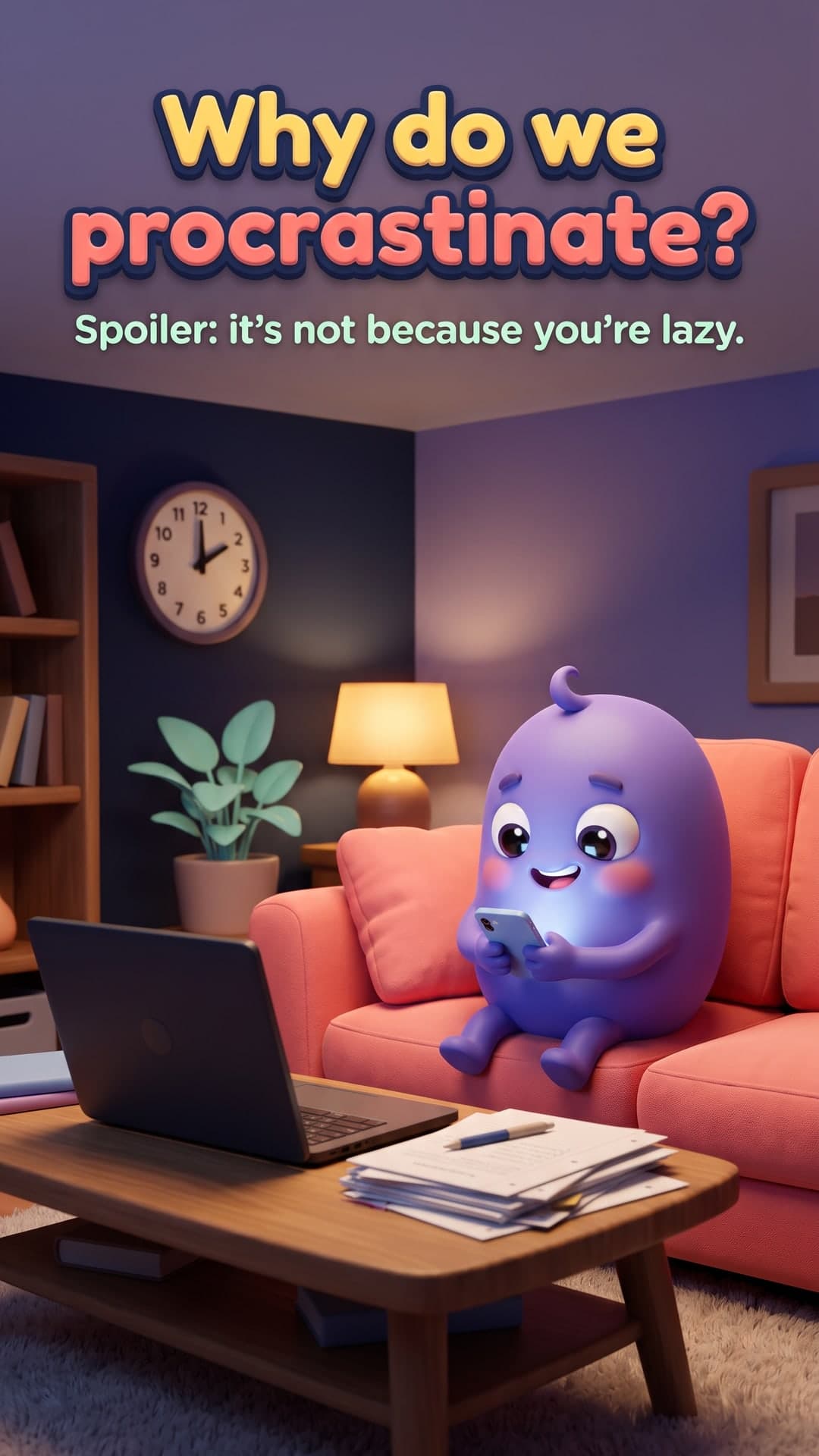
Why we procrastinate and how to stop
Audience: studentsTone: friendly5 slides3D Animated02Review the script
Get a hook-first, slide-by-slide script with scene directions and a recurring character. Edit anything before it's drawn.
- 1Why do we procrastinate?
- 2Your brain is dodging a bad feeling
- 3Quick rewards win (for now)
- 4Try the 2-minute rule
- 5Small steps build momentum
03Download & post
Every slide is illustrated with powerful image generation in a consistent style, sized for your platform, with a caption and hashtags.


Frequently asked questions
Is the content accurate?
The script writer is instructed to stay accurate and you review every slide before anything is illustrated. As with any AI tool, please check facts before teaching or publishing.
Can I use slides in class?
Yes. Download them as images or a PDF to display, print or share with students.
Can I write for a specific age group?
Yes. Enter an audience such as '8-year-olds' or 'university students' and the language and examples adapt.
Made for creators, educators and brands
Wherever your audience scrolls, illustrated explainers help you teach, build trust and grow.
- For Instagram
AI Instagram Carousel Maker with Cartoon Slides
Create scroll-stopping Instagram carousels in minutes. ToonSlides writes the script and illustrates every 1080×1350 slide with consistent cartoon characters.
Learn more - For LinkedIn
LinkedIn Carousel Generator
Generate illustrated LinkedIn carousels in minutes. Clear, cartoon explainer slides exported as a PDF document post, ready to upload. Try one free.
Learn more - For TikTok
TikTok Photo Carousel Maker
Make TikTok photo carousels without filming. ToonSlides creates illustrated 1080×1920 cartoon slides that explain any topic. Add a sound and post.
Learn more - For small businesses
Carousel Posts for Small Businesses
Create illustrated carousel posts that explain your product, answer FAQs and drive sales. Made for small businesses with no design team.
Learn more
Your next carousel is two minutes away
Type a topic, review the script and get a fully illustrated, swipeable carousel. Your first 6-slide carousel is on us.